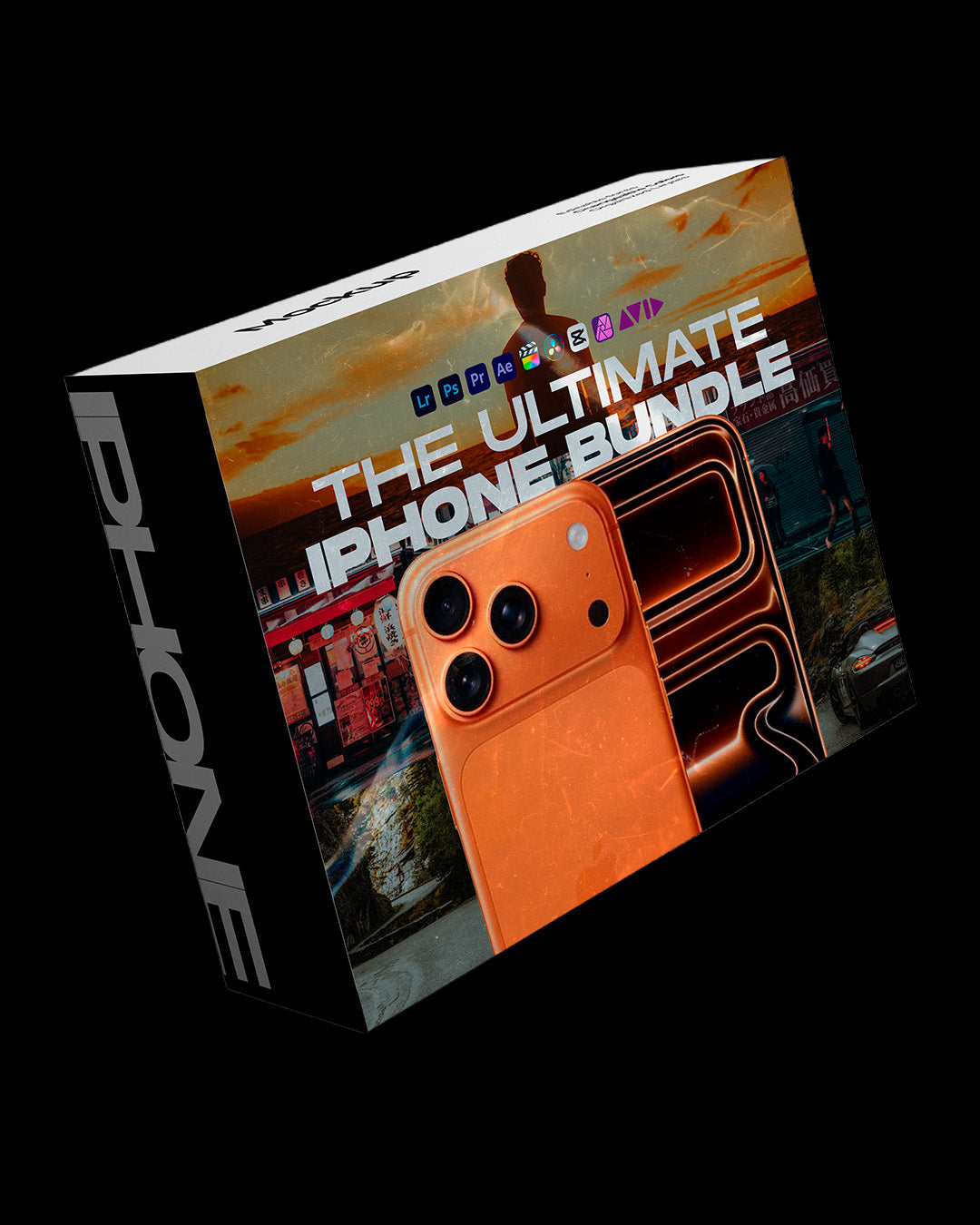
The Ultimate iPhone Bundle
🎬 +200 iPhone Presets:
Transform your photos into professional-quality edits in one click.
🎬 200+ iPhone LUTs:
Transform your videos into cinematic content in seconds.
✅ Some of the things you will have access to:
- Cinematic
- FujiFilm
- Kodak
- Black Tones
- Dark Orange
- Dreamy Effects
- Cyberpunk
- Matrix Look
- Dark Green
- Sky Fall
- Gray Mood
- Vibes
- Summer
And many others...
✅ Tested on 1000+ Real-World Clips
No Banding, No Artifacts, No Color Breakdowns
✅ Built for Every Lighting Condition
Daylight, Golden Hour, Indoor, Mixed & Low Light
✅ Natural Skin Tones, Every Time
No Orange Faces, No Green Tints, No Weird Color Casts
✅ Optimized for Apple Log & Apple Log 2
Maximum Dynamic Range with Cinematic Contrast
One-Time Payment. No Subscription. Pay only once.
Lightroom, CapCut, DaVinci, VN, BlackMagic and others
Instant download after purchase
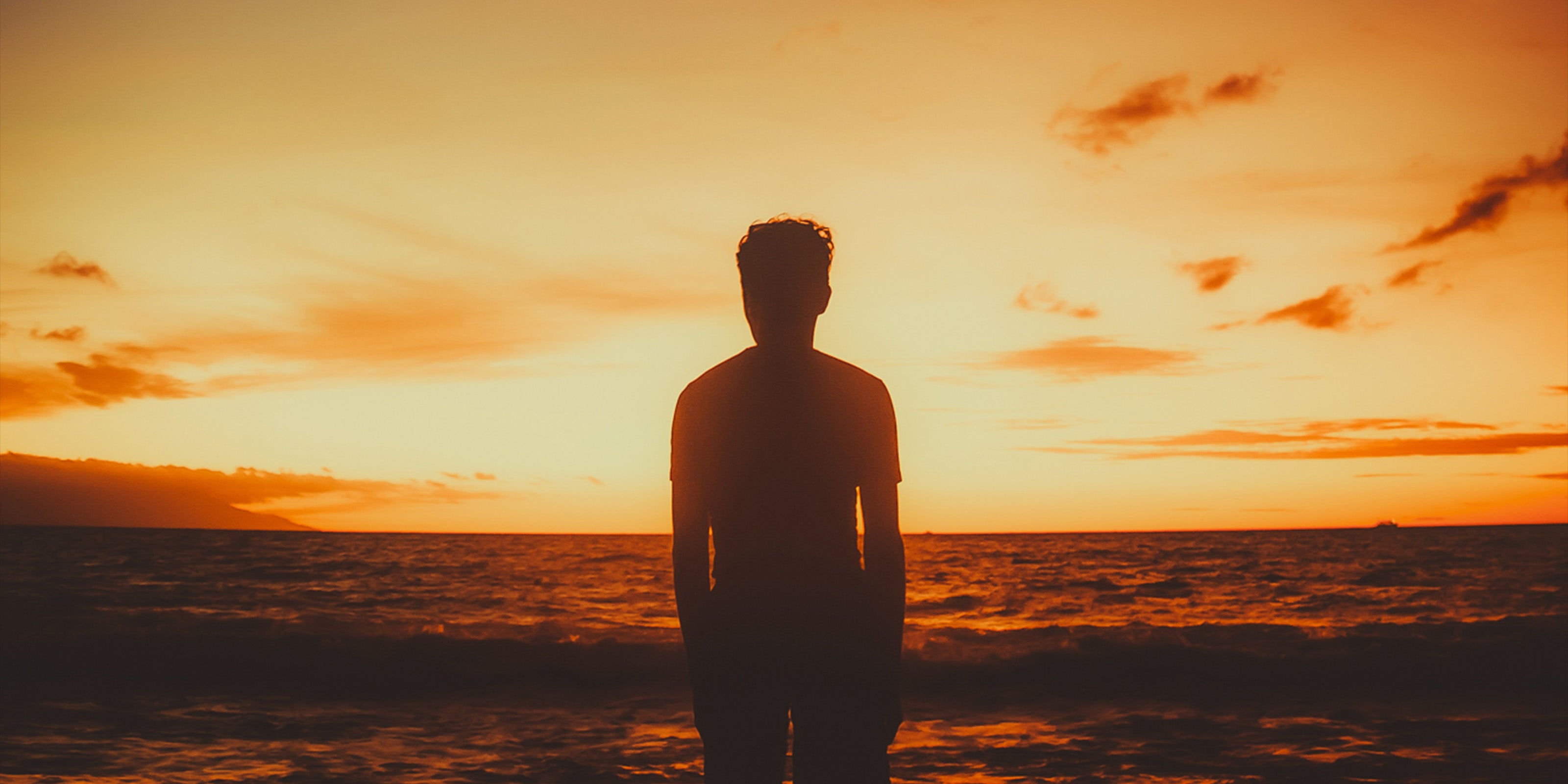
Unlock the full potential of your iPhone.
Transformation with one click
See some before and afters

Before

After

Before

After

Before

After
What you will receive when you buy today:
200+
Presets for your photos
200+
LUTs for your Videos
Bonus 01
Step-by-step installation tutorials included
Bonus 02
24/7 Support
Cinematic Color. Straight From Your iPhone.

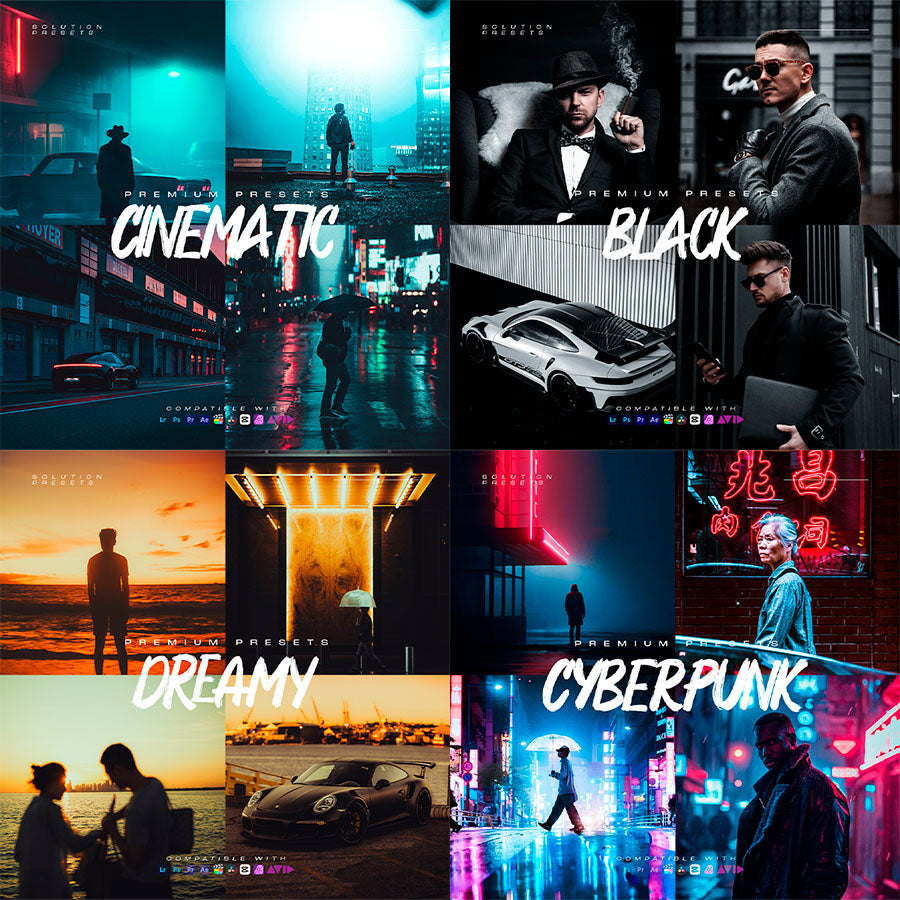
Some presets you will receive...
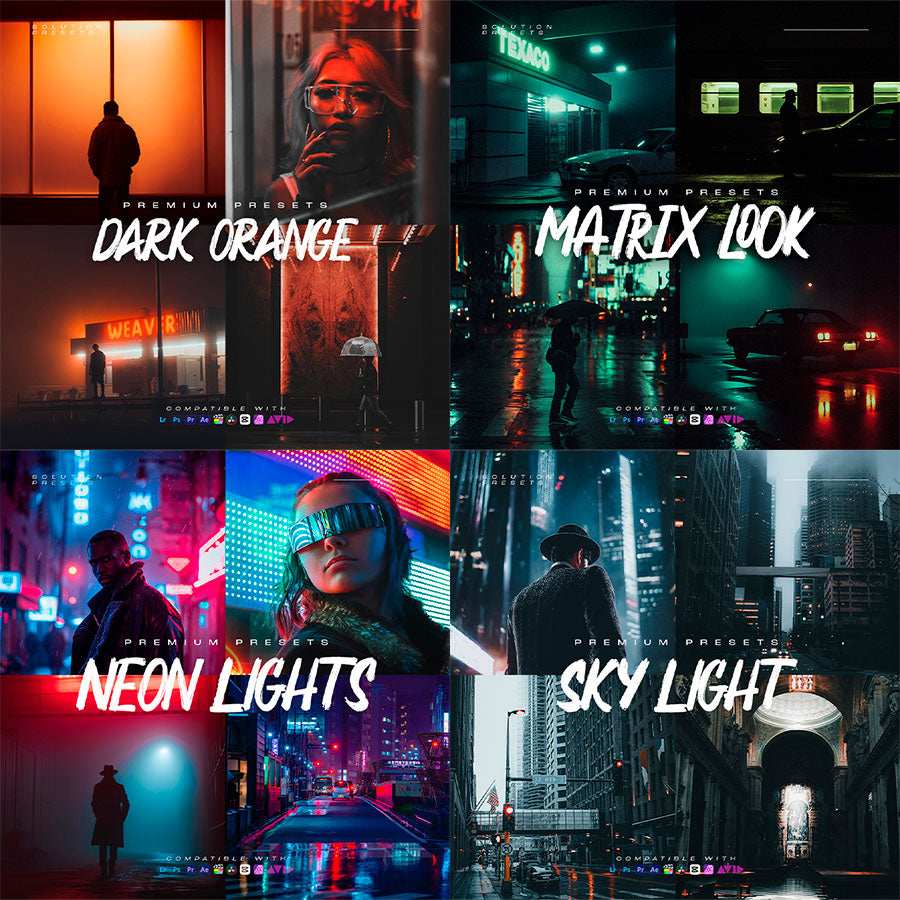
Some presets you will receive...
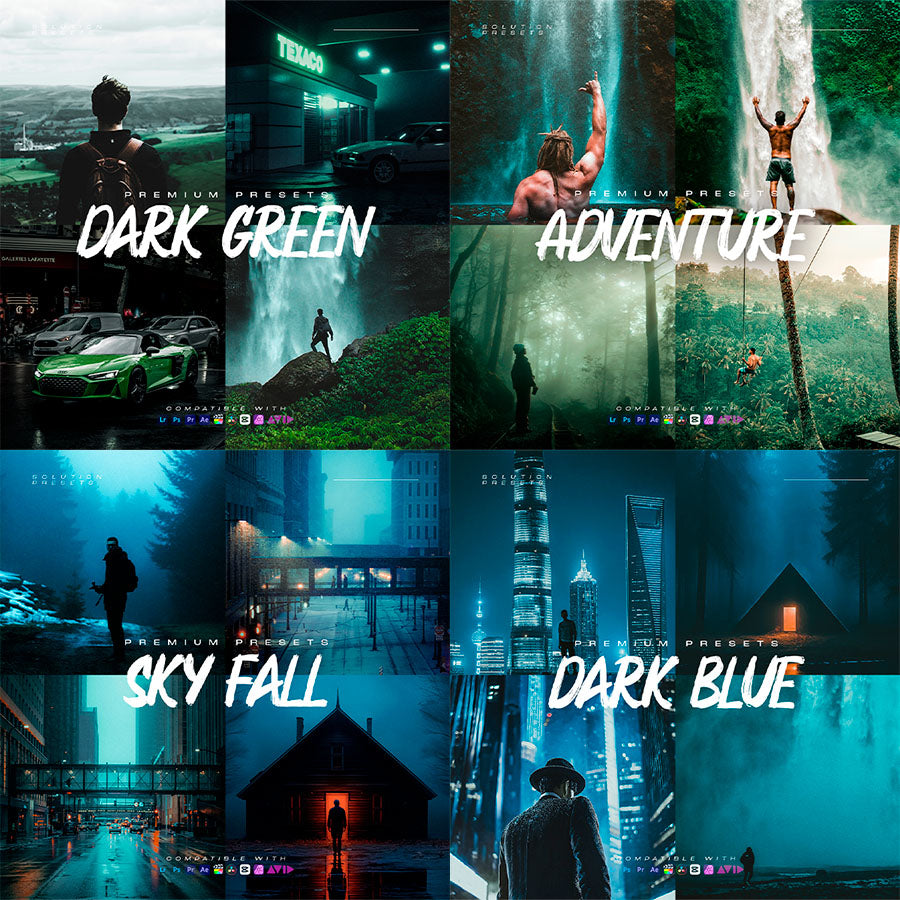
Some presets you will receive...
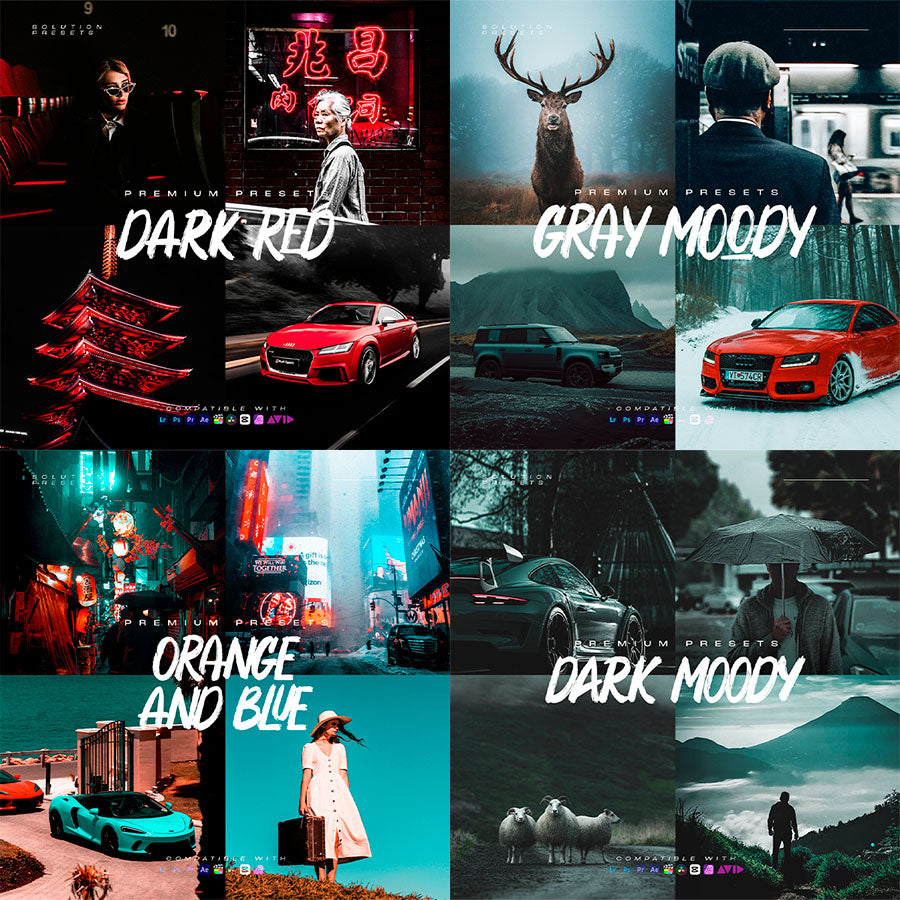
Some presets you will receive...
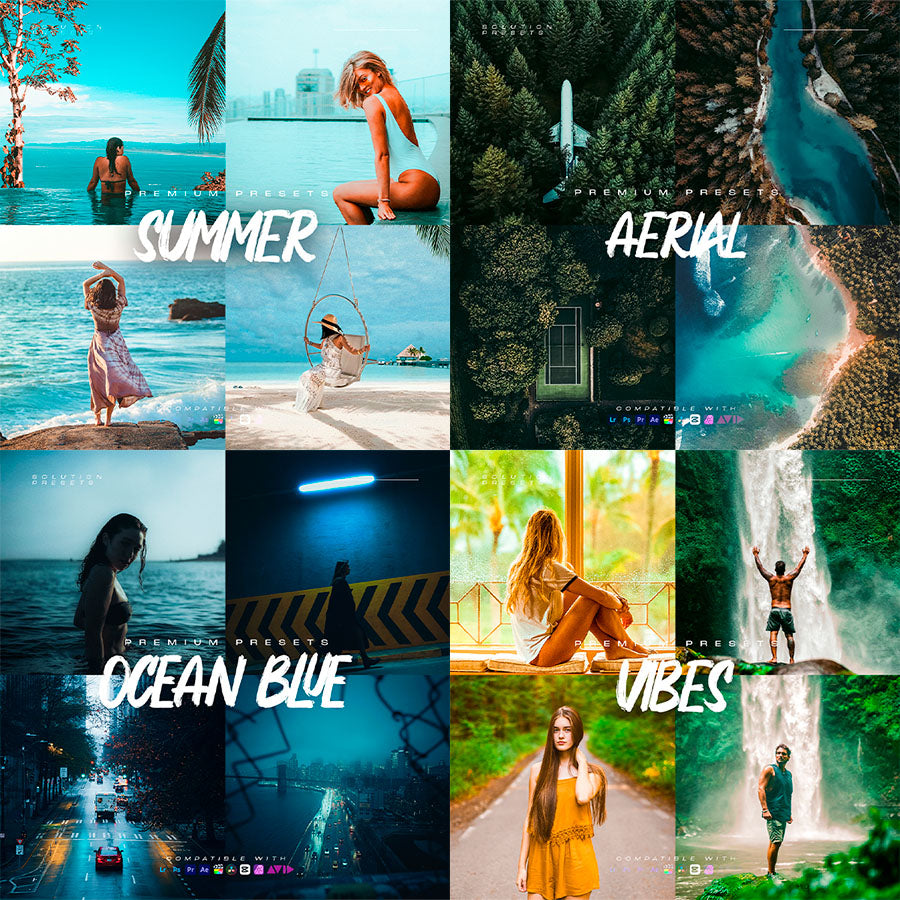
Some presets you will receive...
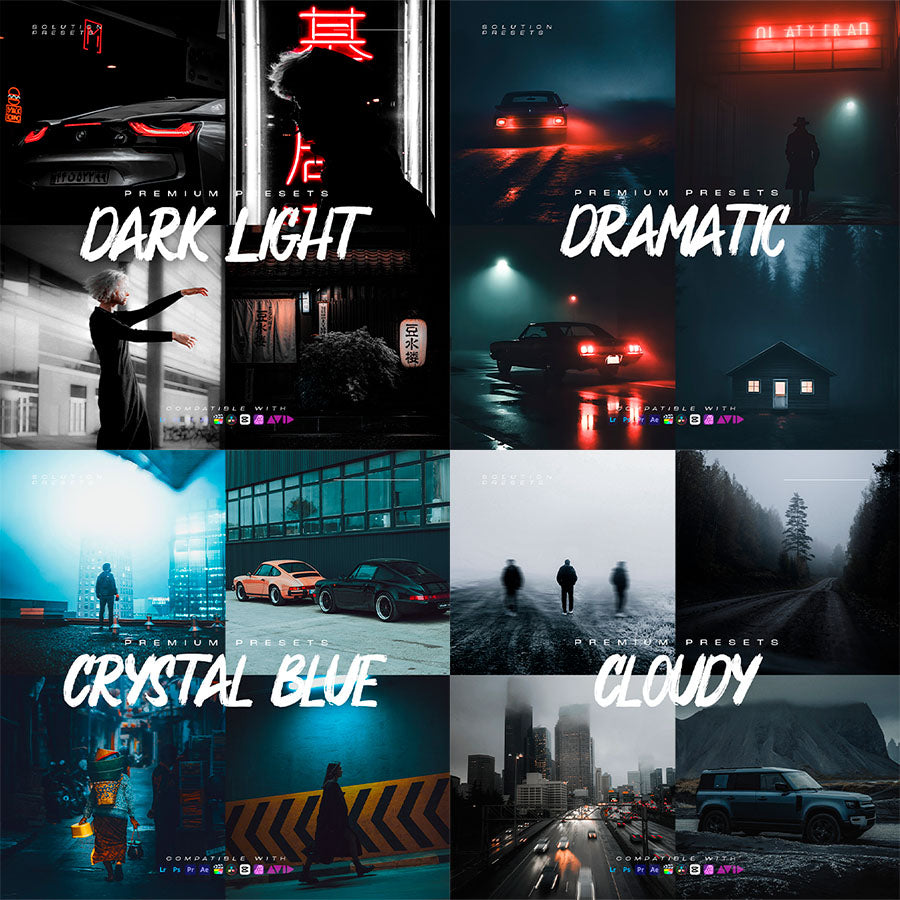
Some presets you will receive...
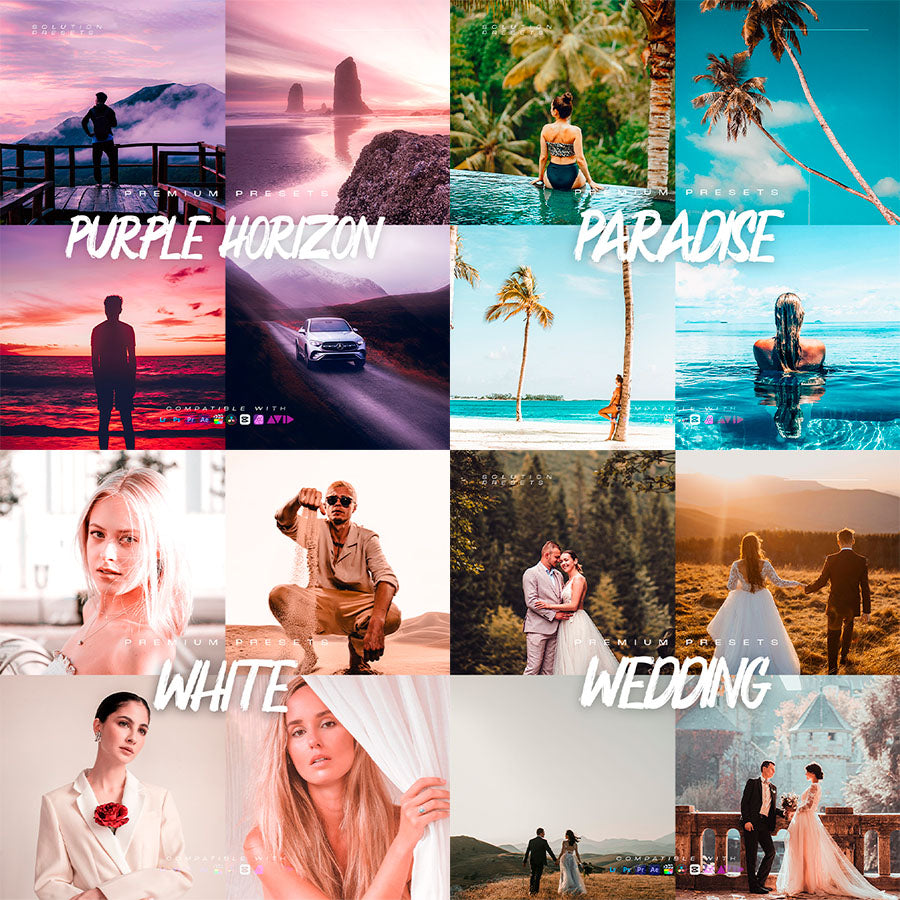
Some presets you will receive...
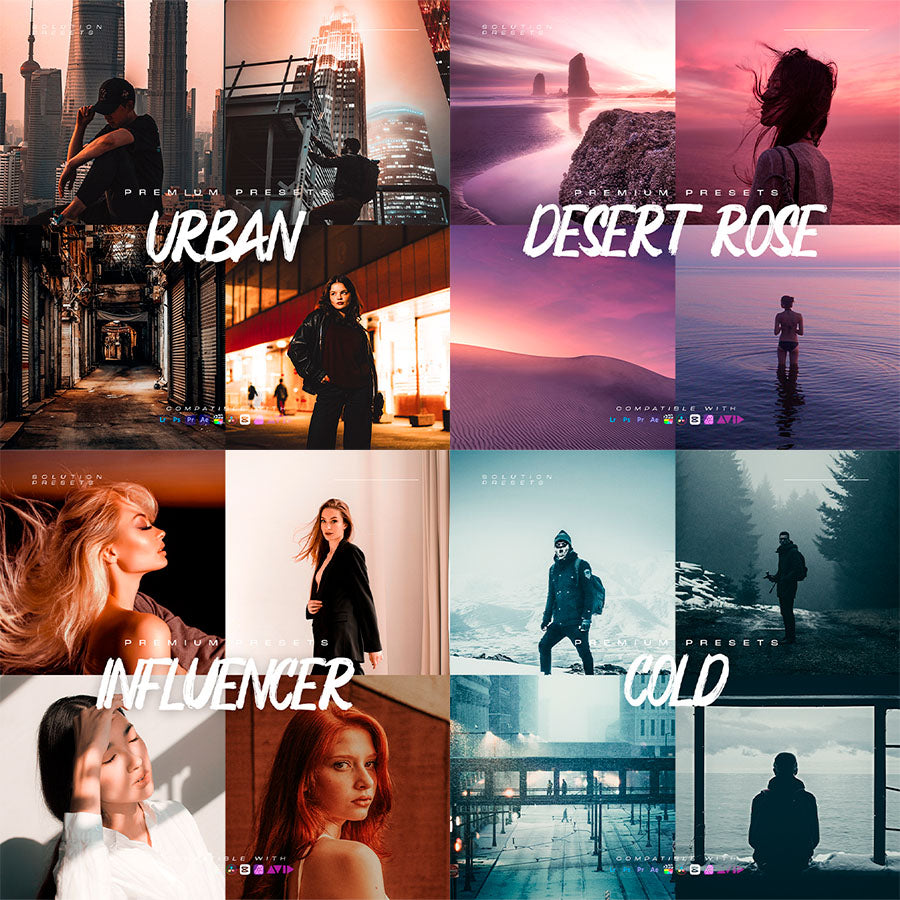
Some presets you will receive...
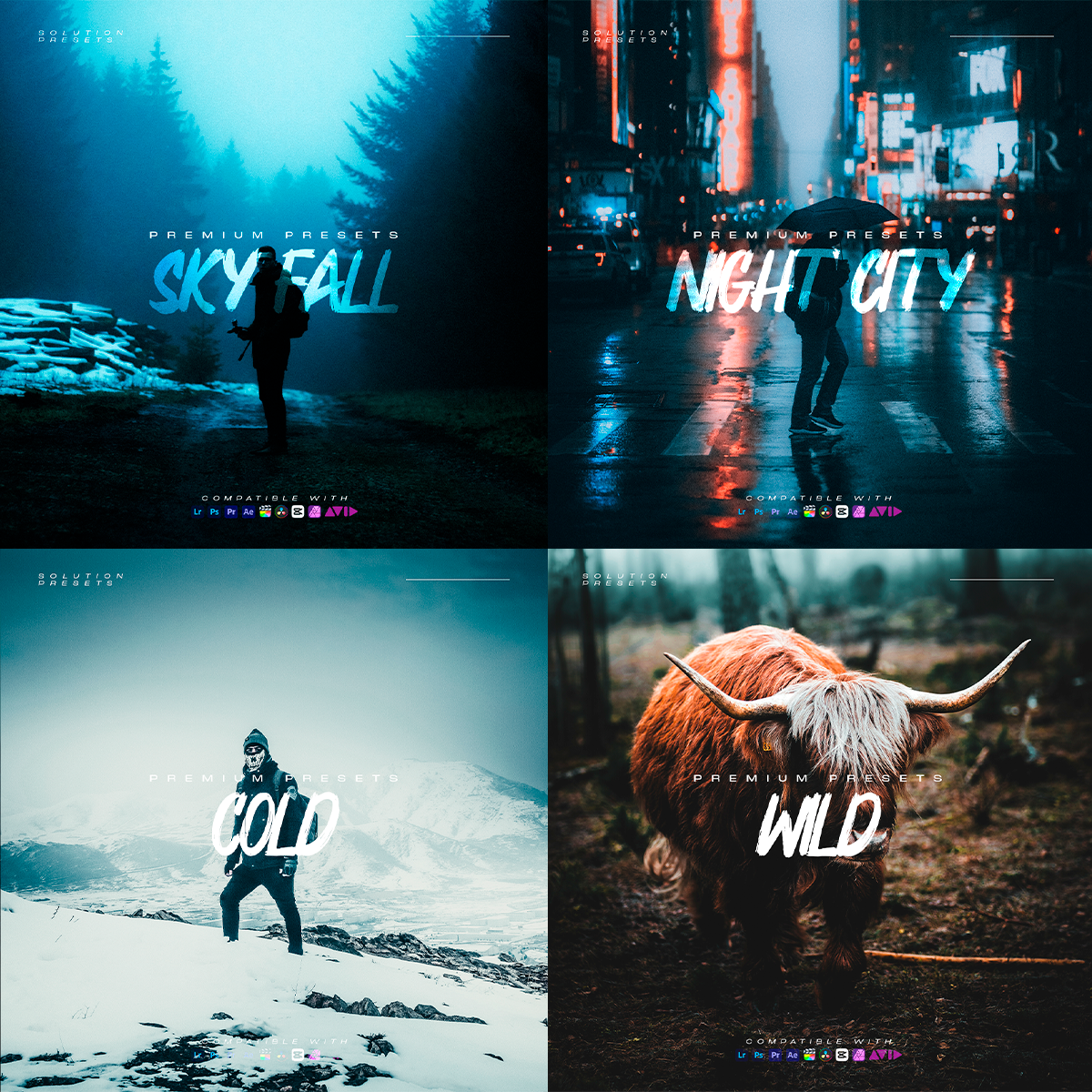
Some presets you will receive...
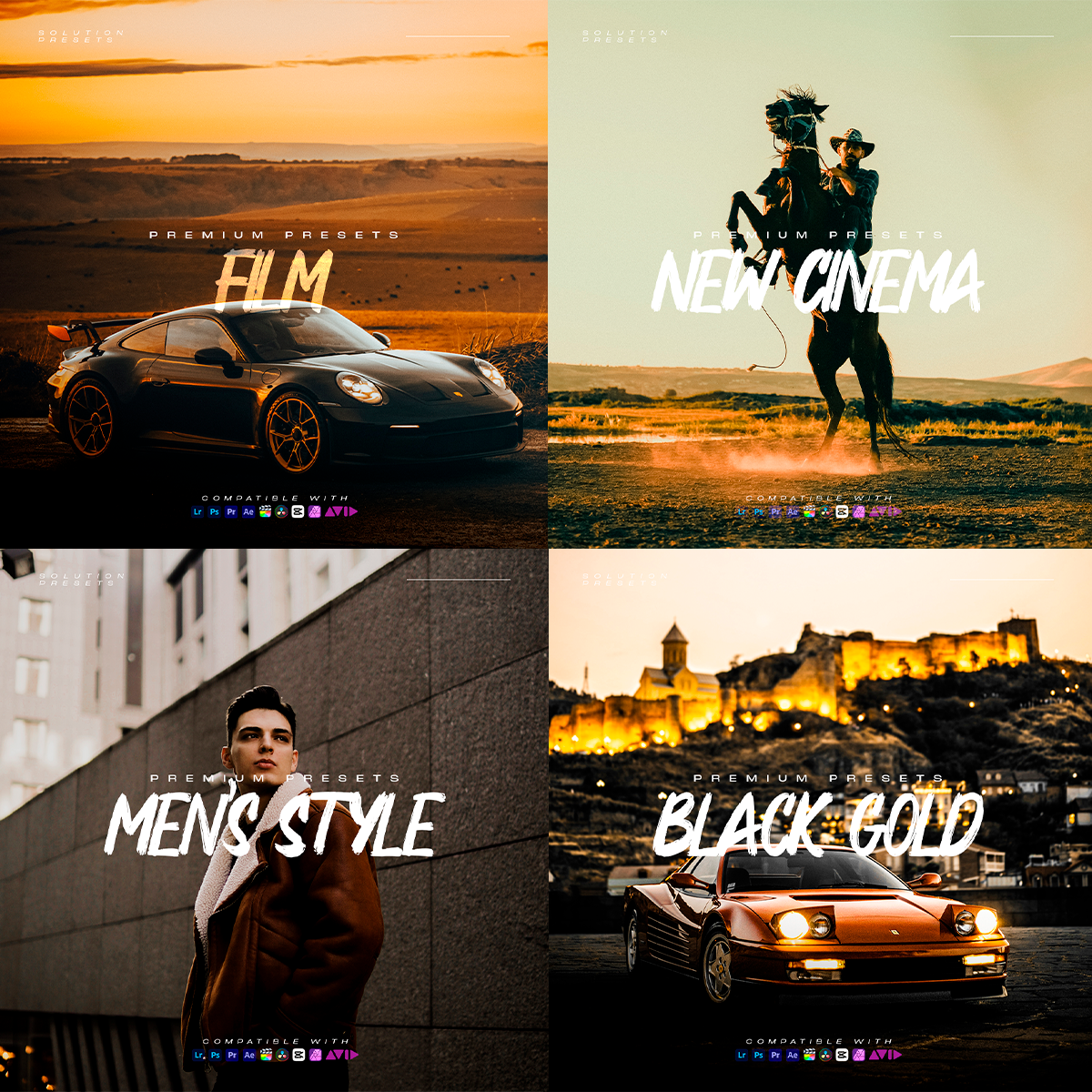
Some presets you will receive...
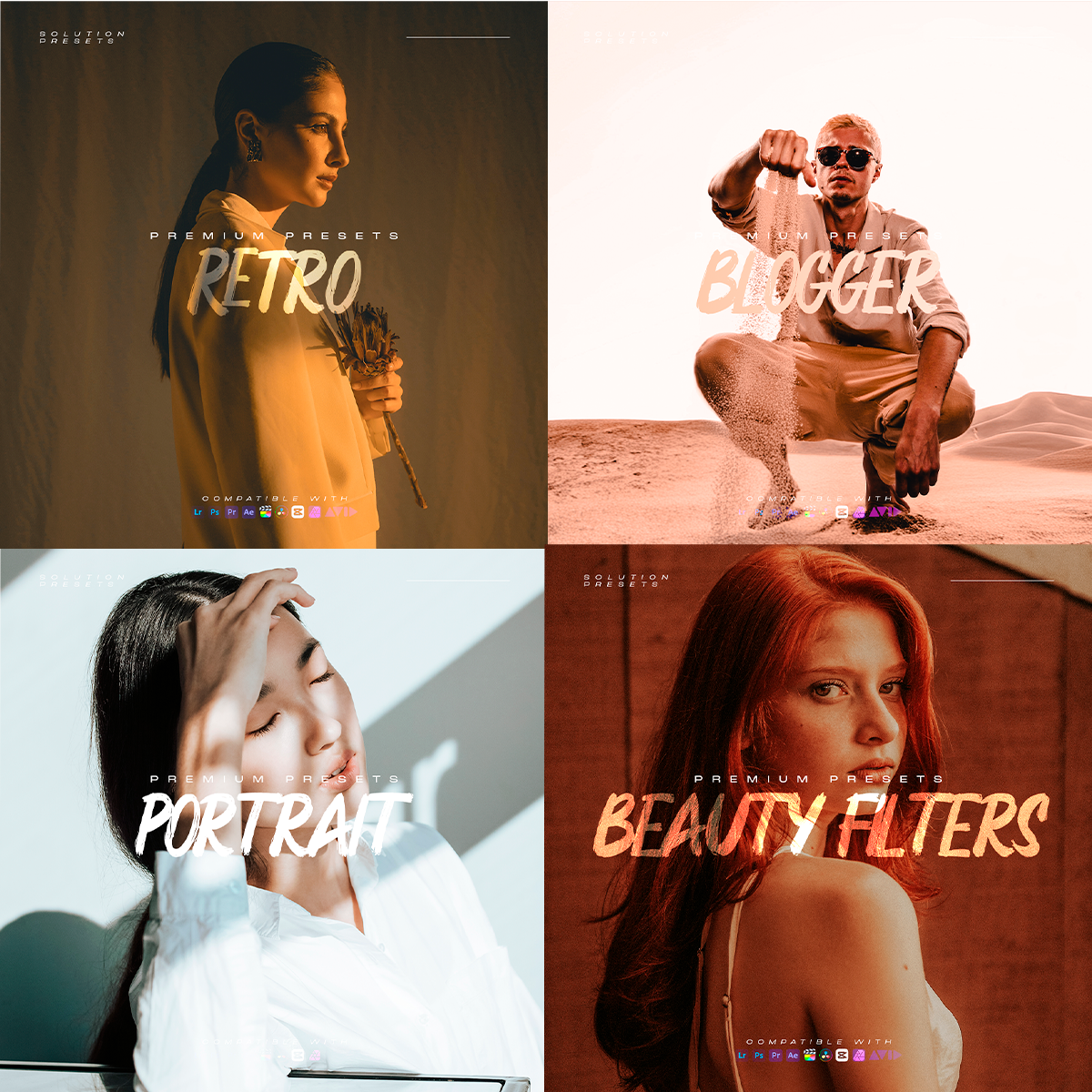
Some presets you will receive...
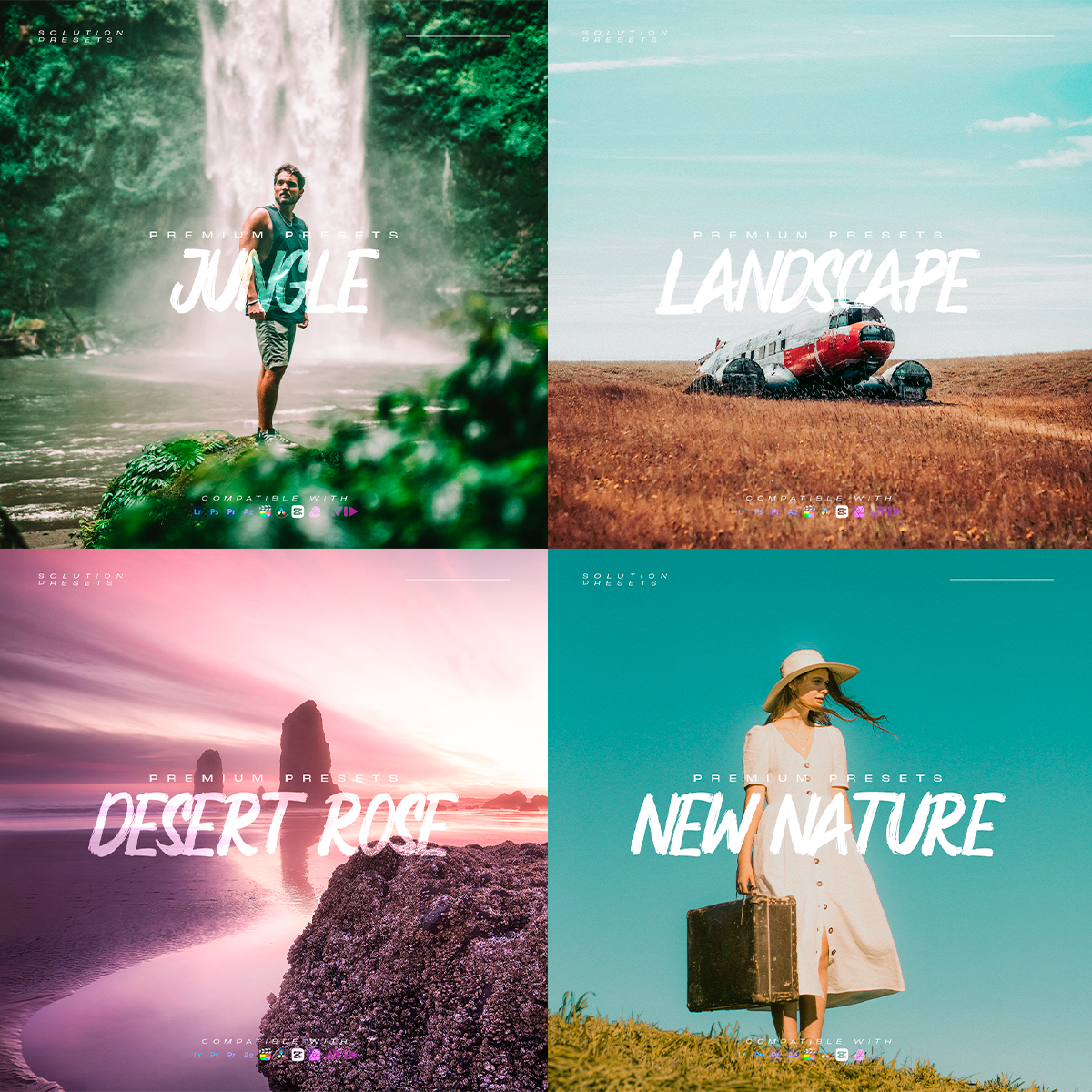
Some presets you will receive...
Some presets you will receive...
Some presets you will receive...
Some presets you will receive...
Some presets you will receive...
Some presets you will receive...
Some presets you will receive...
Some presets you will receive...
Some presets you will receive...
Some presets you will receive...
Some presets you will receive...
Some presets you will receive...
Some presets you will receive...
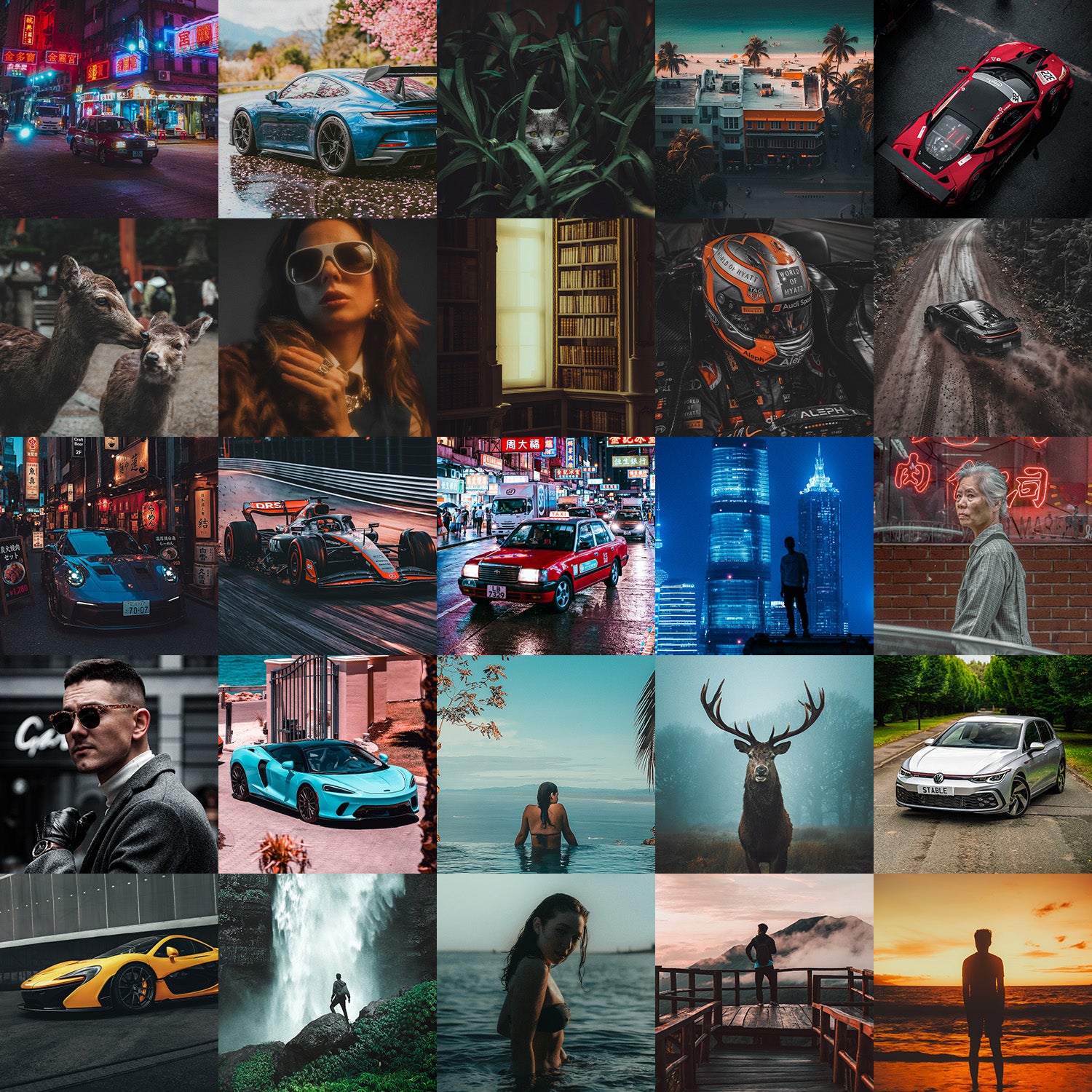
Tested on 1000+ Real-World Clips and Photos
No Banding, No Artifacts, No Color Breakdowns
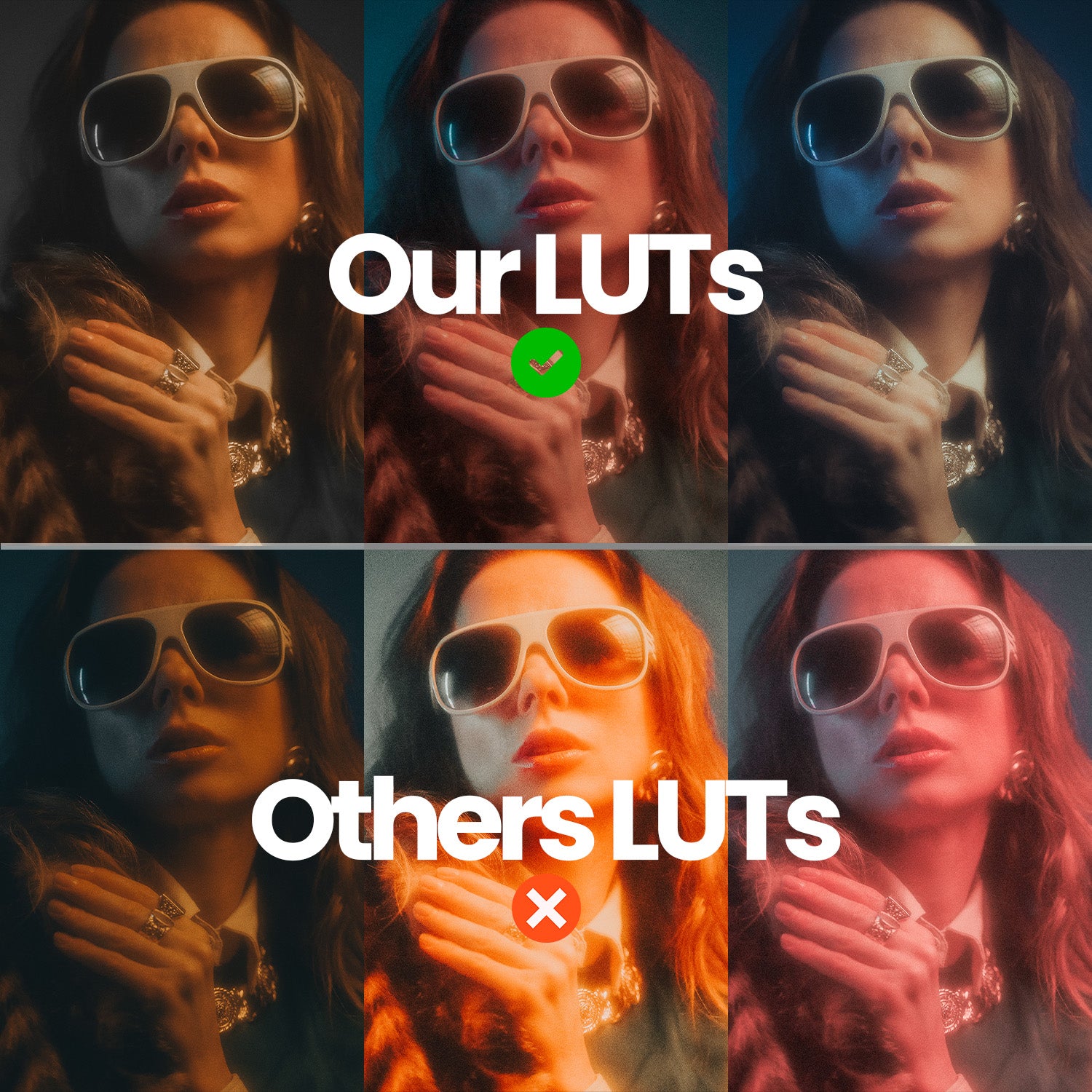
Quality guaranteed
🟢 OUR LUTS: Natural skin tones, balanced highlights, rich blacks, and true-to-life color.
🔴 OTHER LUTS: Unnatural skin tones, clipped highlights, crushed shadows, and color inconsistencies.
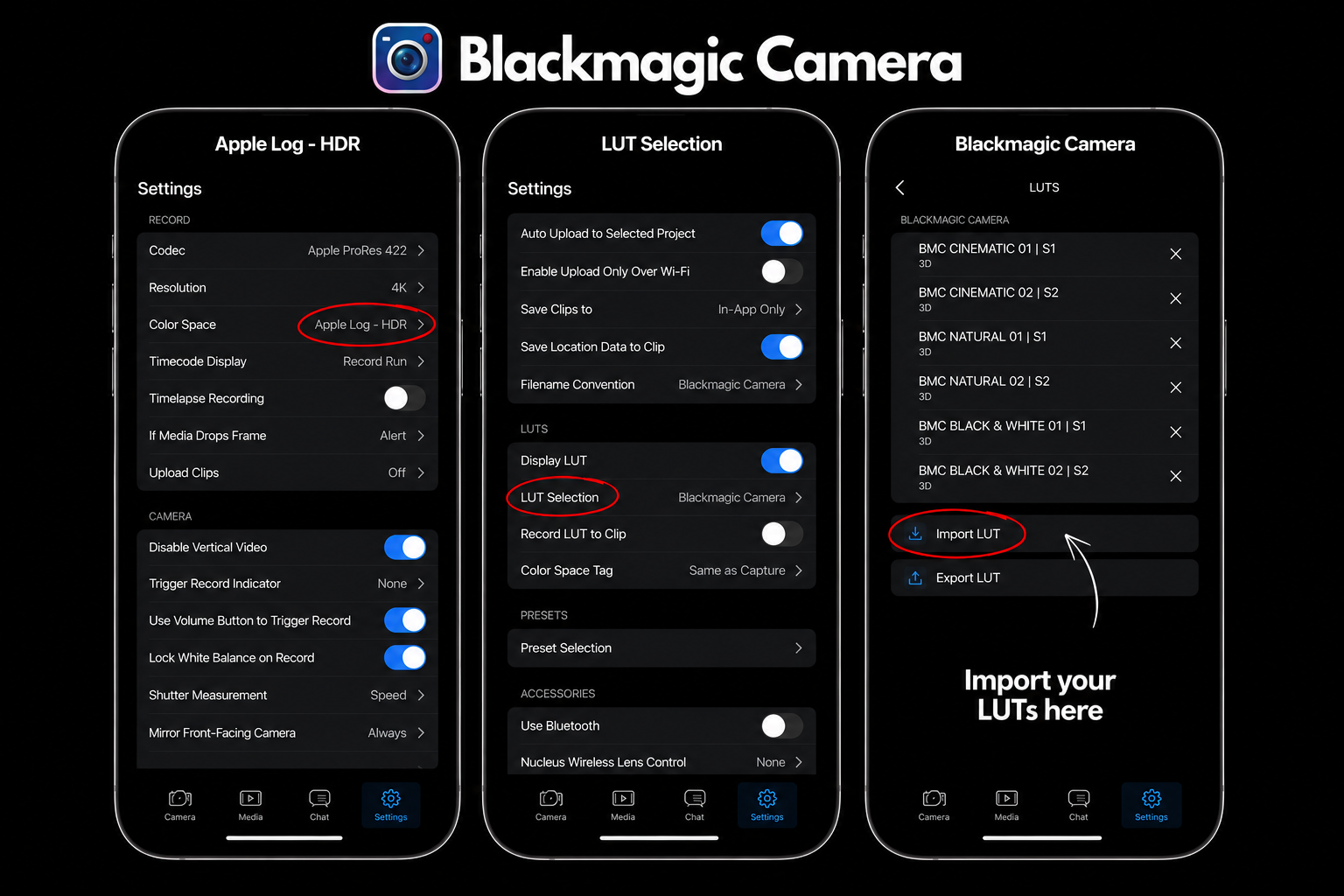
Shoot Cinematic Video. Faster.
Configure Blackmagic Camera once, import your LUTs, and record footage with professional color applied in real time. Edit less. Create more.
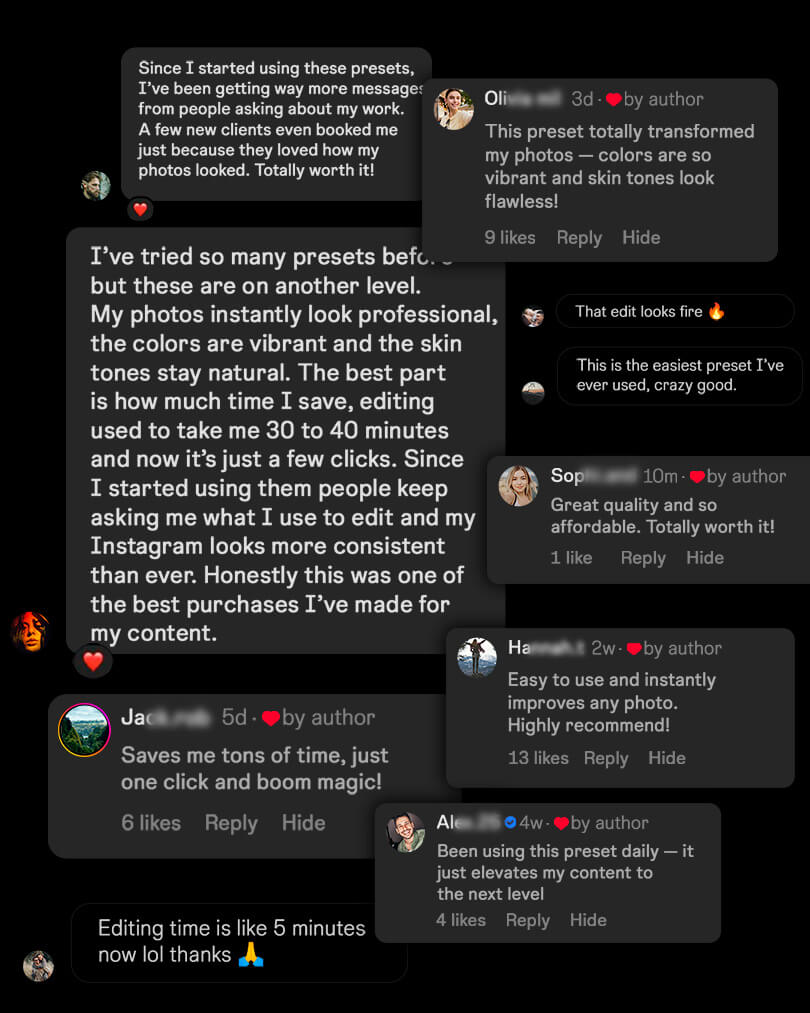
Whoever bought it liked it!
FAQ
What is Apple Log and why should I use it on my iPhone?
Apple Log is a professional video profile available on iPhone Pro models. It captures more dynamic range, preserves highlight and shadow detail, and provides a cleaner image for color grading. Combined with our LUTs, it allows you to achieve a cinematic look with maximum image quality.
Which apps can I use these LUTs with?
You can use these LUTs in any editor or camera app that supports .cube LUT files, and use our presets in any software that supports .xmp preset files.
Desktop Apps (fully supported)
DaVinci Resolve
Final Cut Pro
Adobe Premiere Pro
CapCut
Adobe Lightroom (Desktop)
Adobe Camera Raw
Photoshop
Luminar Neo
Capture One
iPhone Apps (fully supported)
Blackmagic Camera App (recommended)
You can import your .cube LUTs directly into the app.
Choose to:
Record with the LUT baked into your footage.
Record Apple Log / Apple Log 2 while using the LUT for monitoring.
Preview your final cinematic look before recording.
Other supported iPhone apps:
LumaFusion
VideoLUT
LUT Studio
PeekLUT
Lightroom Mobile (for .dng and .xmp presets)
Android Apps
Lightroom Mobile
VN Editor
CapCut
Supported LUT camera and editing apps
Lightroom Presets (.XMP Files)
Our package also includes .XMP Lightroom Presets for:
Adobe Lightroom Classic
Adobe Lightroom CC
Lightroom Mobile (via sync)
Adobe Camera Raw
Photoshop
Perfect for photographers and creators who want the same professional look across both photos and videos.
General Rule
If your software supports .cube LUT files, .xmp preset files, Apple Log, Apple Log 2, or standard video/photo editing workflows, it will work with this pack.
Included Formats:
✅ .CUBE LUT Files
✅ .XMP Lightroom Presets
✅ DNG Mobile Presets
✅ Apple Log Compatible
✅ Apple Log 2 Compatible
✅ iPhone, Android, Mac & Windows Compatible
Do these LUTs work with Apple Log 2?
Yes. All LUTs in this pack are fully compatible with both Apple Log and Apple Log 2 footage.
Each LUT has been carefully optimized to preserve natural skin tones, highlight detail, and dynamic range while delivering a professional cinematic look.
Tested across a wide range of lighting conditions and iPhone Pro devices for consistent, reliable results.
Which iPhones support Apple Log?
Apple Log is currently available on:
iPhone 15 Pro
iPhone 15 Pro Max
iPhone 16 Pro
iPhone 16 Pro Max
iPhone 17 Pro
What if I don't have an iPhone Pro?
No problem.
While Apple Log is exclusive to iPhone Pro models, the included Lightroom Presets work on all iPhone models, including older devices.
Compatible with:
iPhone 11 Series
iPhone 12 Series
iPhone 13 Series
iPhone 14 Series
iPhone 15 Series
iPhone 16 Series
iPhone 17 Series- The Lightroom presets can be applied to any photo, regardless of which iPhone was used to capture it.
iPhone 17 Pro Max
How do I install the LUTs?
After purchase, you'll get step-by-step video tutorials showing exactly how to install and use the LUTs in the most popular editing and camera apps.
Tutorials included for:
DaVinci Resolve
Final Cut Pro
Adobe Premiere Pro
CapCut
Blackmagic Camera App
Lightroom Mobile & Desktop
Most installations take less than a minute, even if you've never used LUTs before.
No technical experience required. Just follow the video and start creating professional-looking content in minutes.