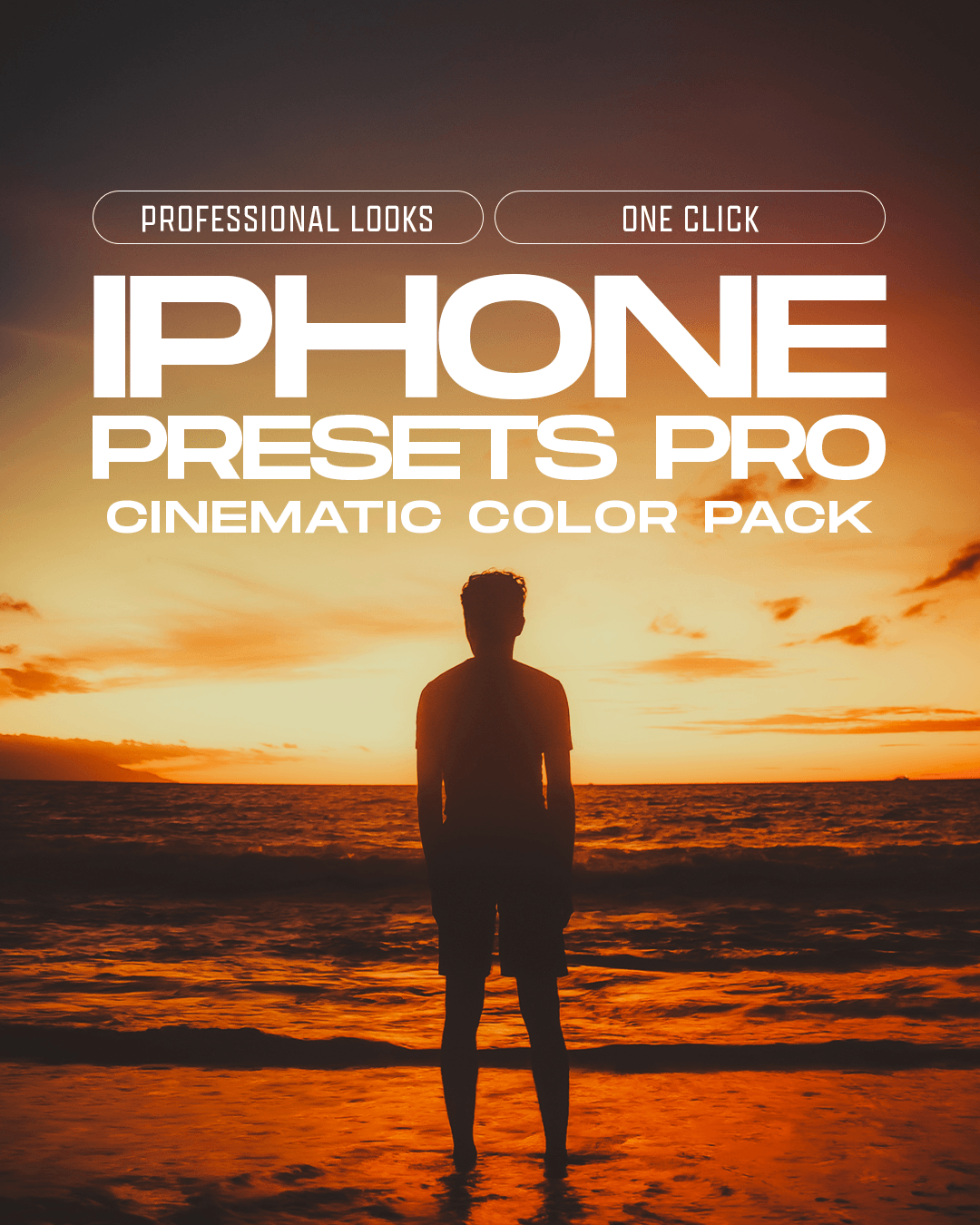
iPhone Presets PRO
🔥 Turn your iPhone photos into cinematic shots in one click.
🎞️ Professional presets created to give your photos stunning colors, rich tones and a polished look — no editing skills required.
📖 Step-by-Step Tutorials + Support
✅ Works with all iPhone models.
💯 Guaranteed Results
Do you take photos with your iPhone?
Then you already have a powerful camera in your pocket — but getting that professional, cinematic look usually takes time and editing experience.
iPhone Presets PRO changes that.
This pack gives you ready-made professional presets designed to transform your iPhone photos with beautiful colors, balanced tones and cinematic styles in just one click.
No complicated editing. No advanced color grading. Just choose a preset, apply it and adjust the intensity if needed.
Built for travel, lifestyle, portraits, landscapes, automotive and everyday photography, these presets turn ordinary iPhone shots into polished, consistent images in seconds.
Works with all iPhone models.
A collection of cinematic presets designed to give your iPhone photos a premium, polished look instantly.
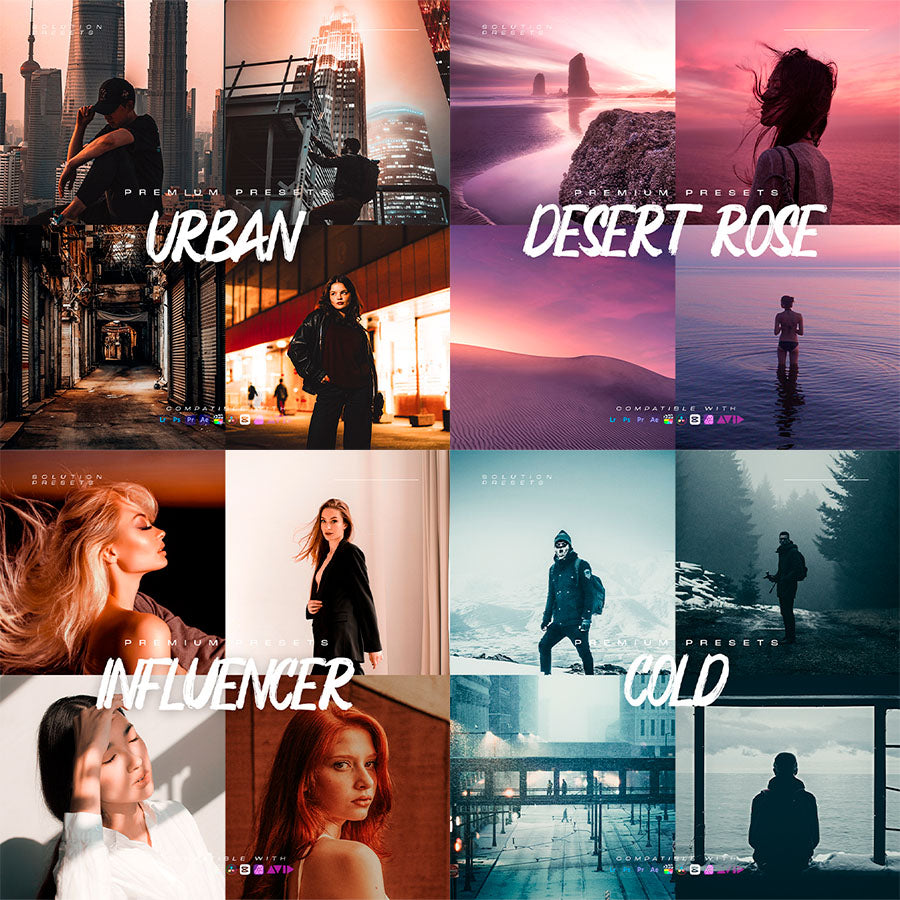
Clean & Natural looks for balanced, true-to-life colors
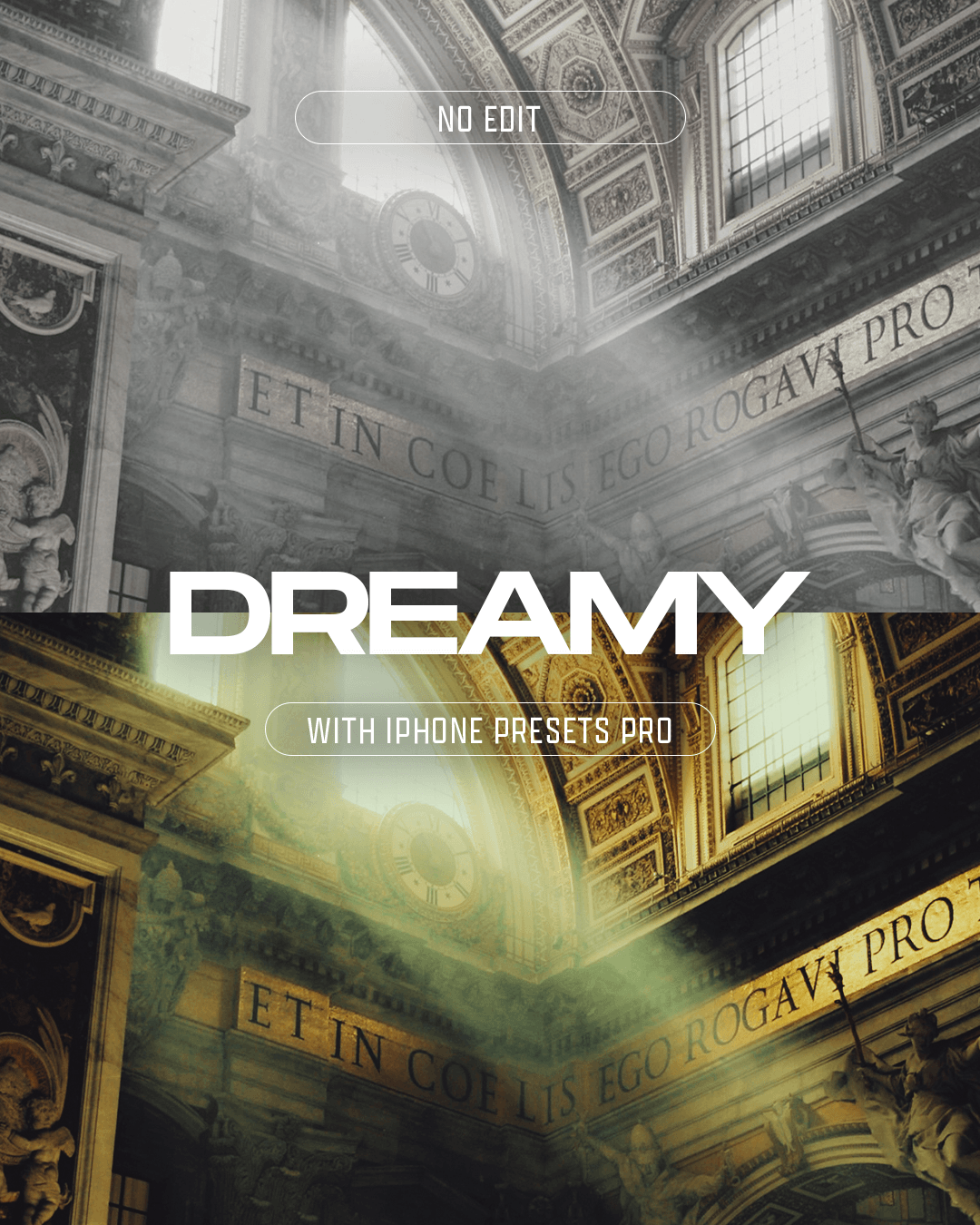
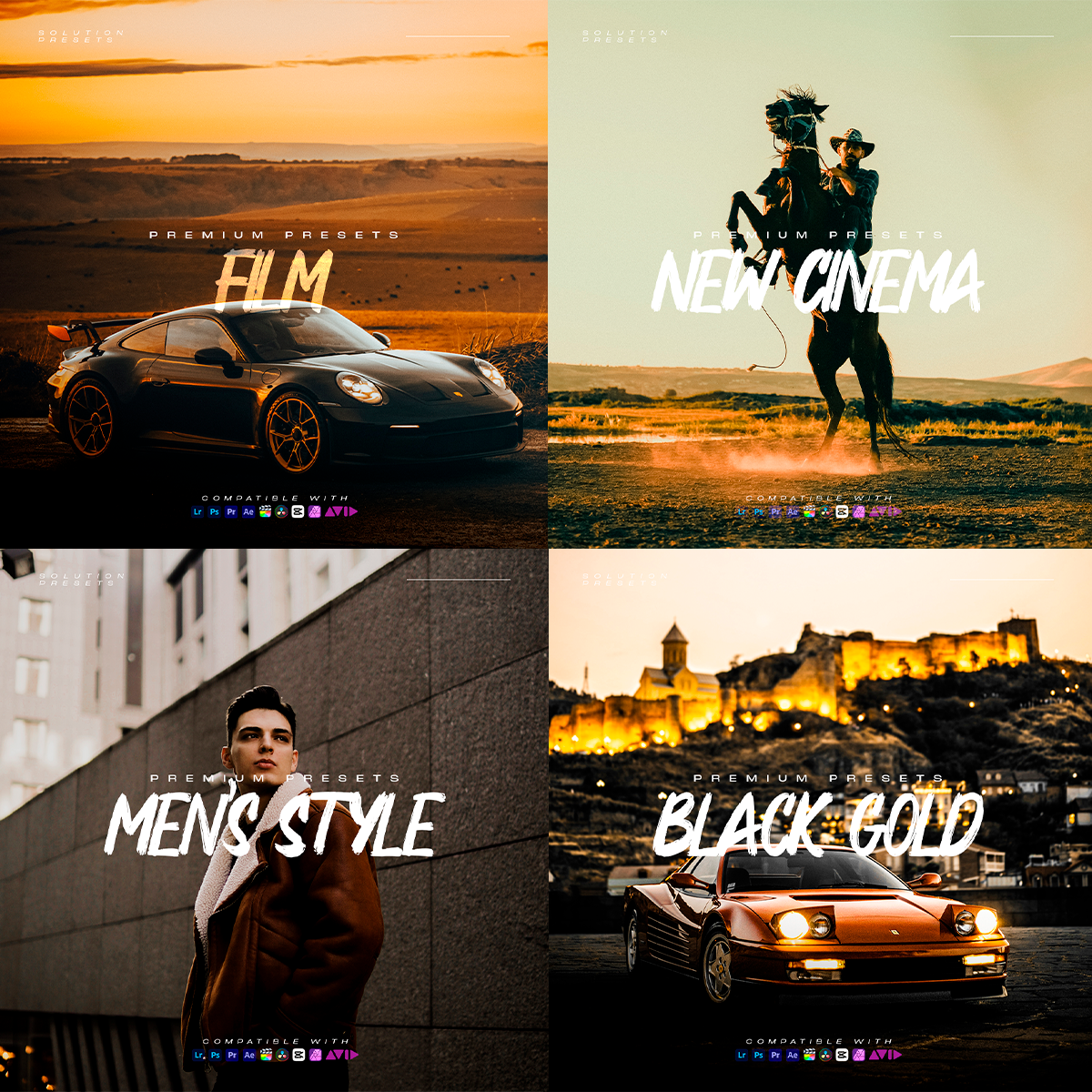
Film-inspired presets with soft contrast and timeless tones
Vibrant Travel looks for oceans, sunsets and landscapes
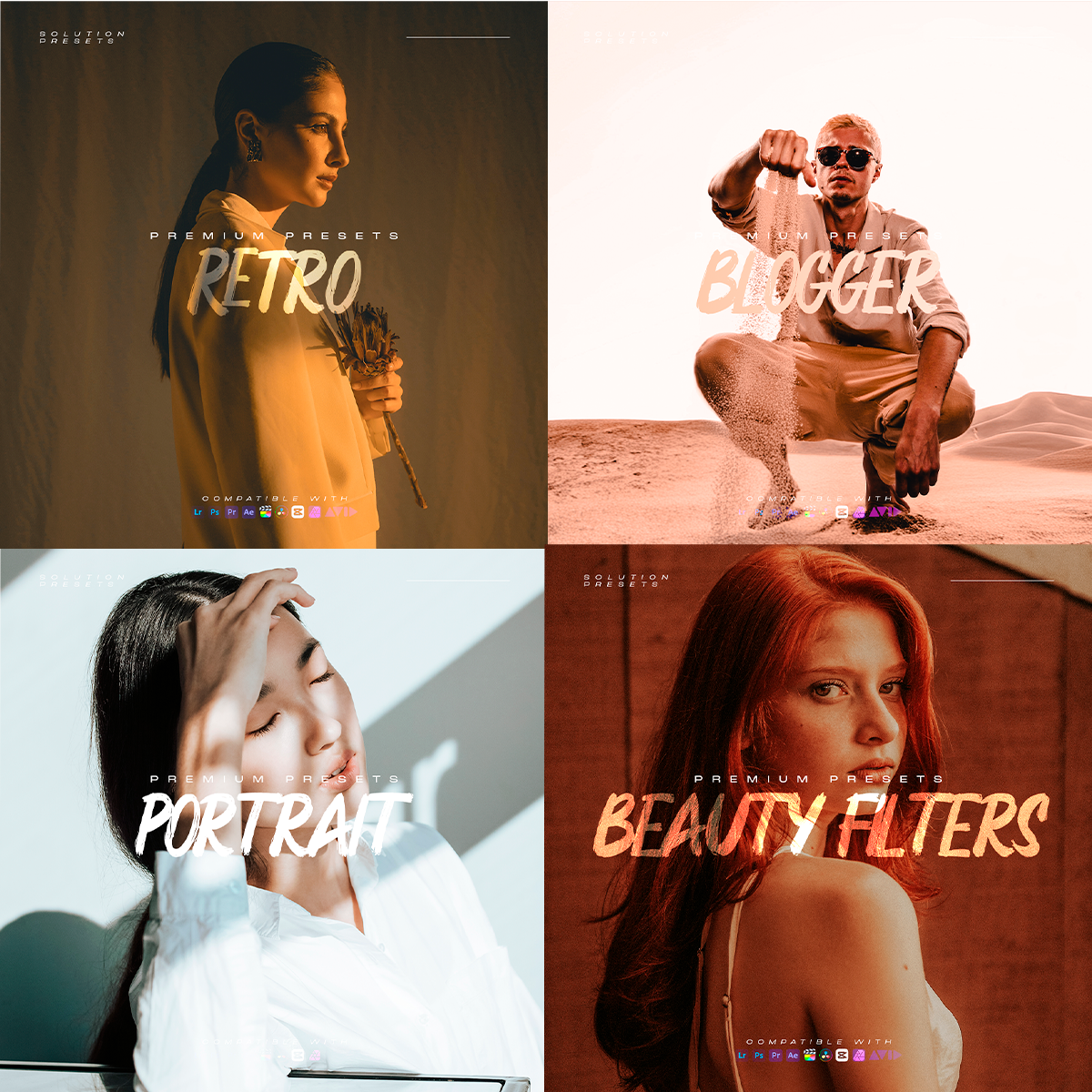
Warm Lifestyle tones for everyday photos and social media
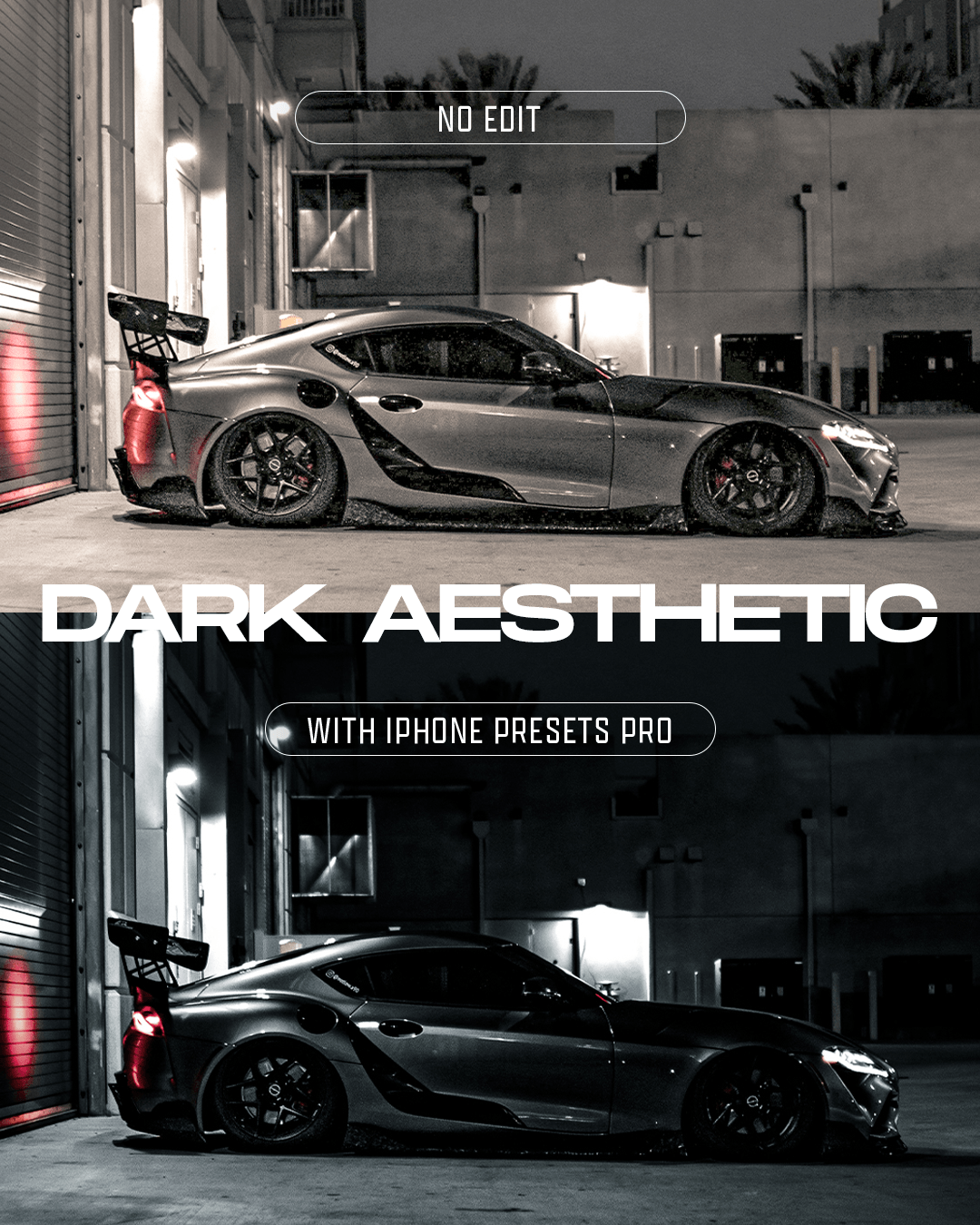
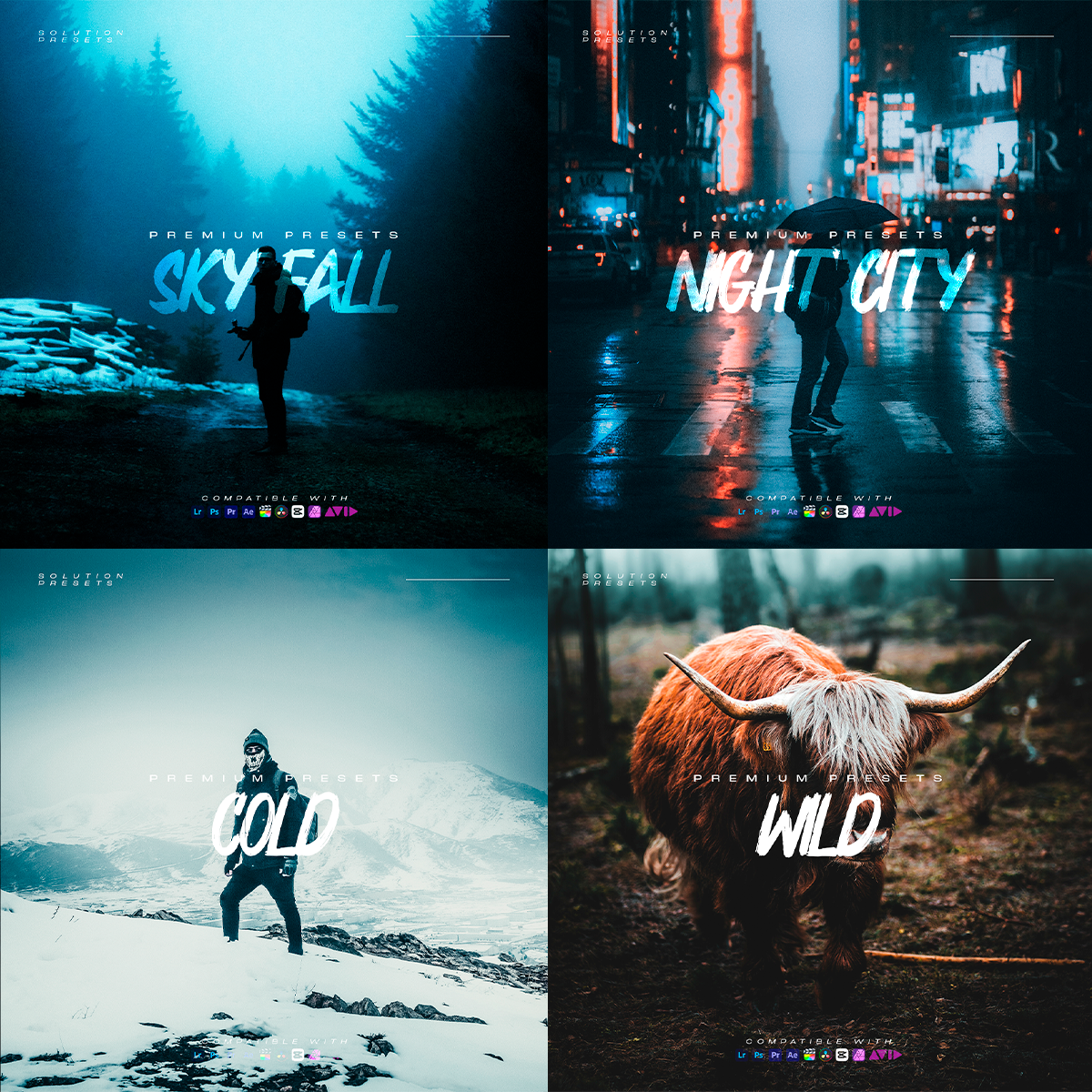
Dark & Moody presets for dramatic urban and night shots
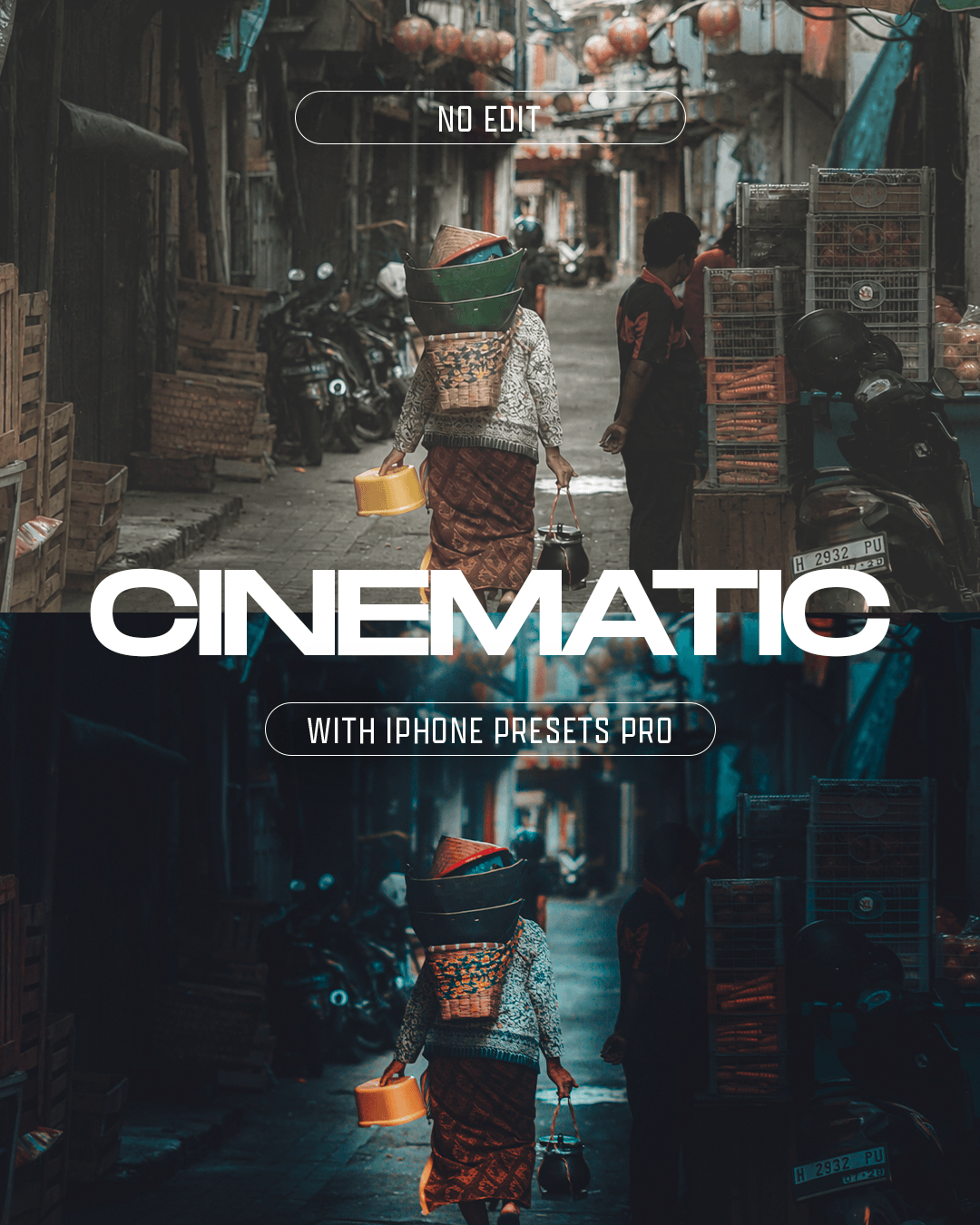
Cinematic looks with rich colors and professional depth
Each preset has been tested across real-world photos and different lighting conditions to deliver beautiful, consistent results with just one click.
You’ll also receive:
A step-by-step installation guide for Lightroom Mobile & Desktop
A quick editing guide showing you how to get the best results from every preset
BONUS: iPhone Camera Settings Guide to help you capture better photos before you even start editing
Everything you need to shoot, edit and create professional-looking iPhone photos effortlessly.
Made for iPhone Creators
These presets are designed for:
iPhone Photography
Travel & Landscapes
Lifestyle & Everyday Photos
Portraits
Automotive Photography
Social Media Content
Works seamlessly with Lightroom Mobile & Desktop, giving you professional-looking colors with just one click.
No professional camera or advanced editing skills required.
1. Take your photo
Shoot with your iPhone just like you normally would. No special camera settings or professional equipment required.
2. Choose your preset
Open your photo in Lightroom Mobile or Desktop and choose the preset that best matches your photo and style.
Apply it with just one click. You can adjust the intensity or make small tweaks if you want.
3. Done
Your ordinary iPhone photo becomes a polished, professional-looking image in seconds.
Everything included:
Step-by-step installation guide
Simple editing instructions
Quick guide to getting the best results
BONUS: Recommended iPhone camera settings
BONUS: Tips for shooting better iPhone photos
No complicated editing. No professional camera. Just better photos.
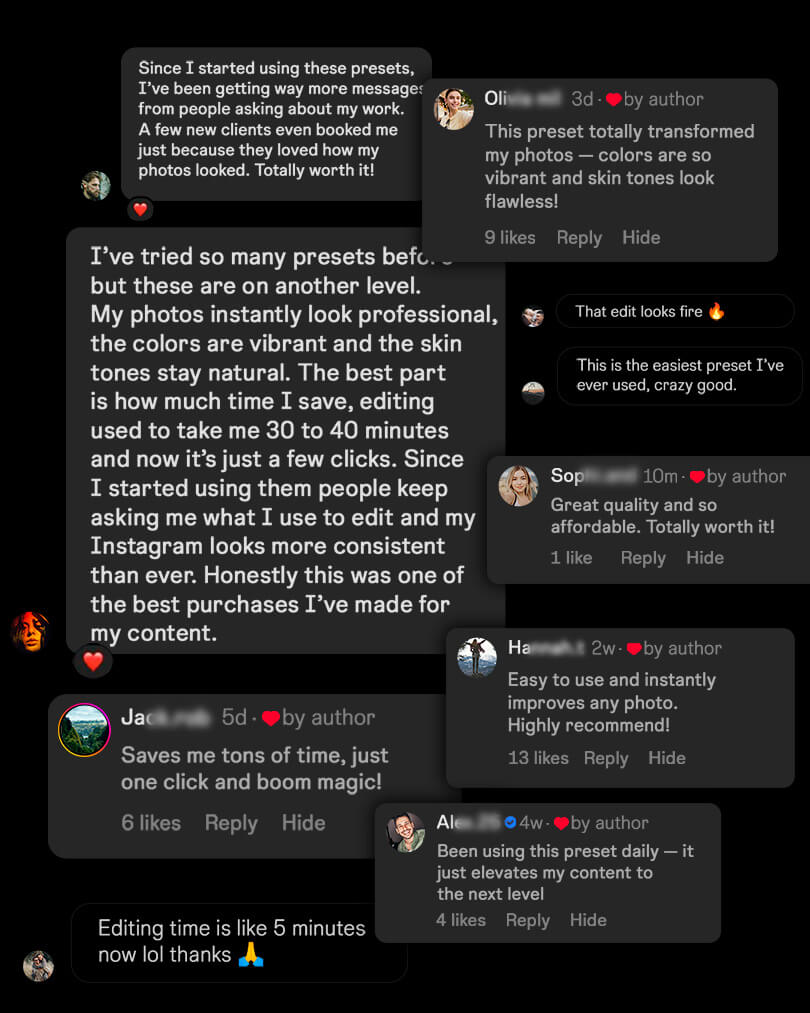
Whoever bought it liked it!
Save hours. Edit Faster.
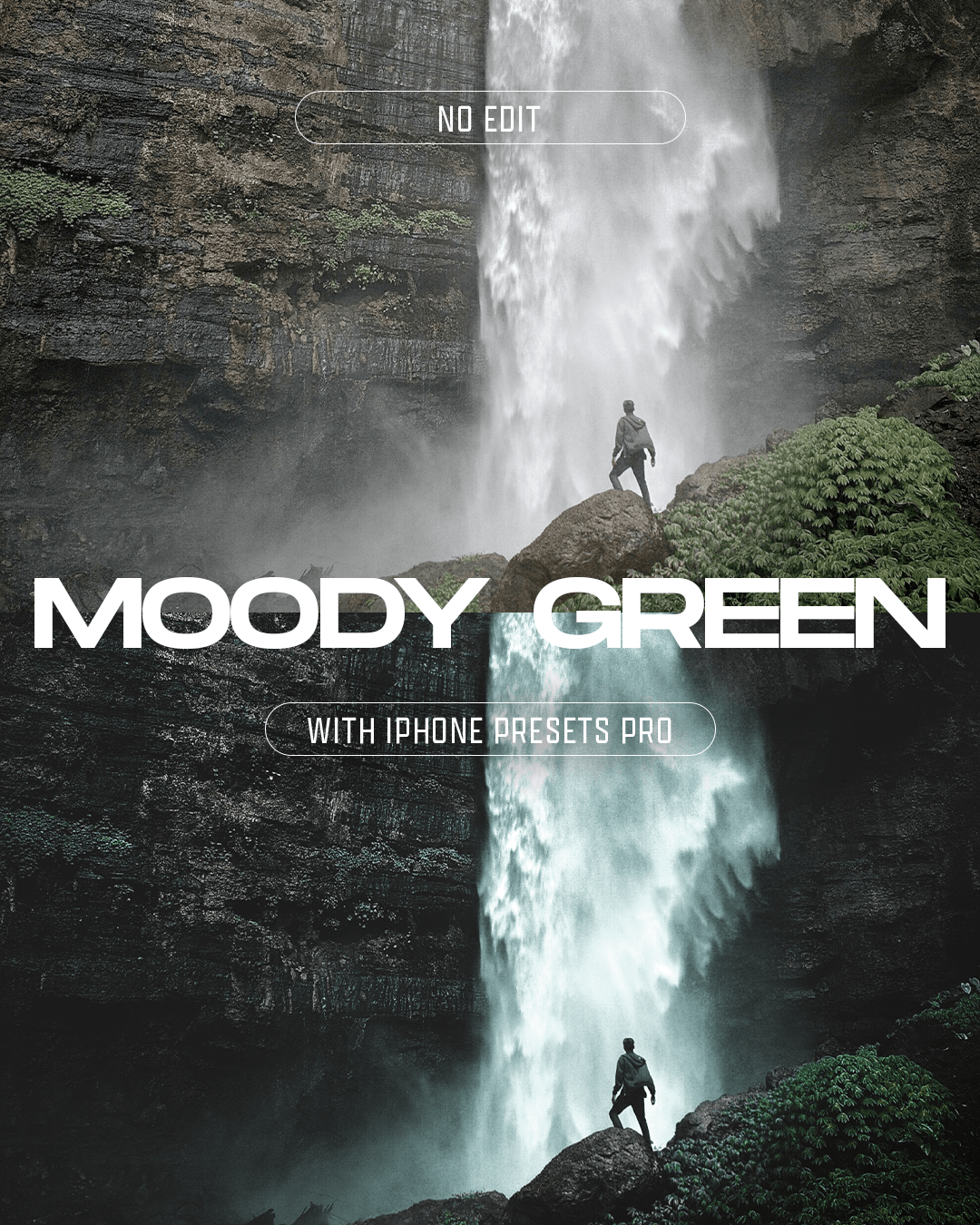
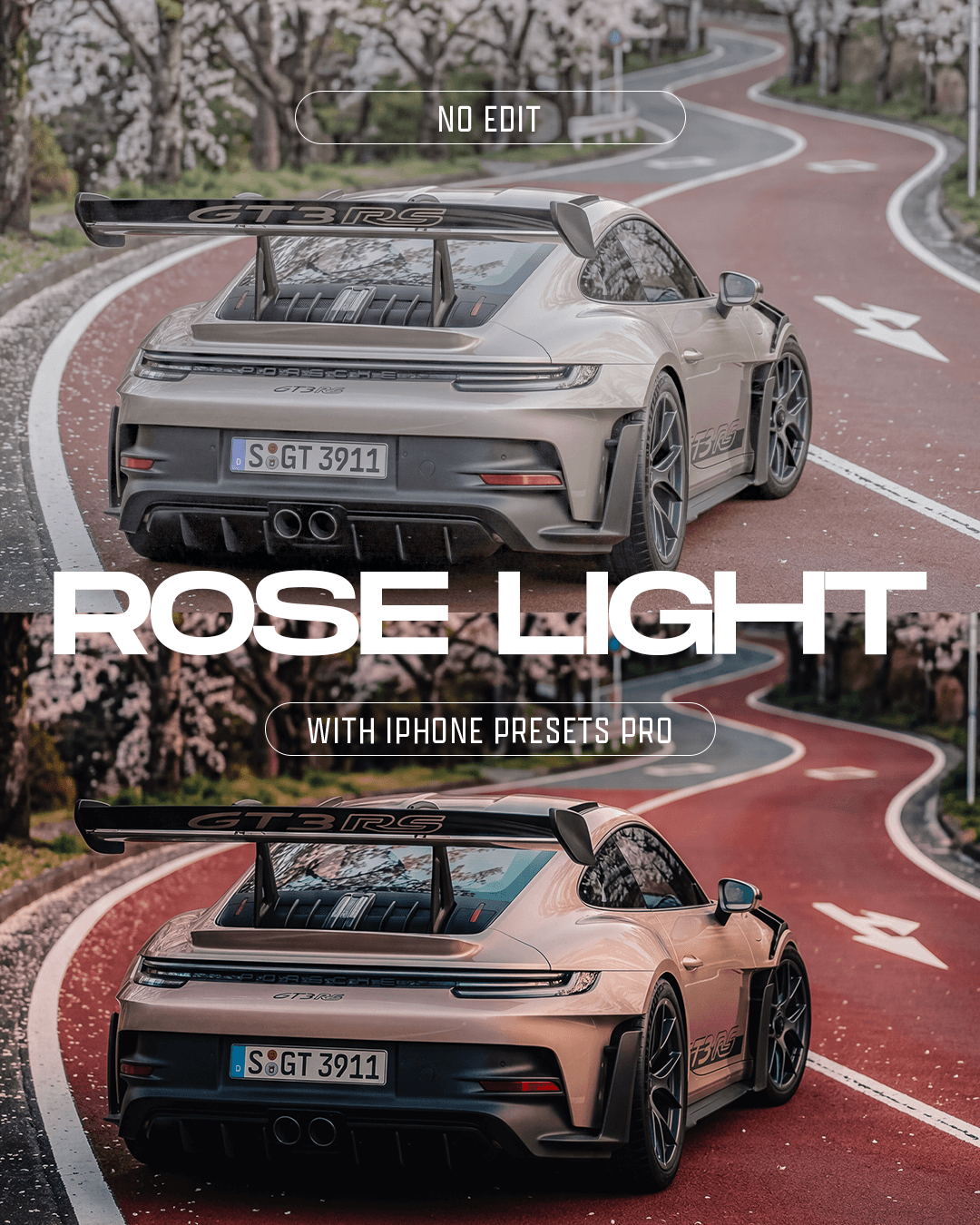
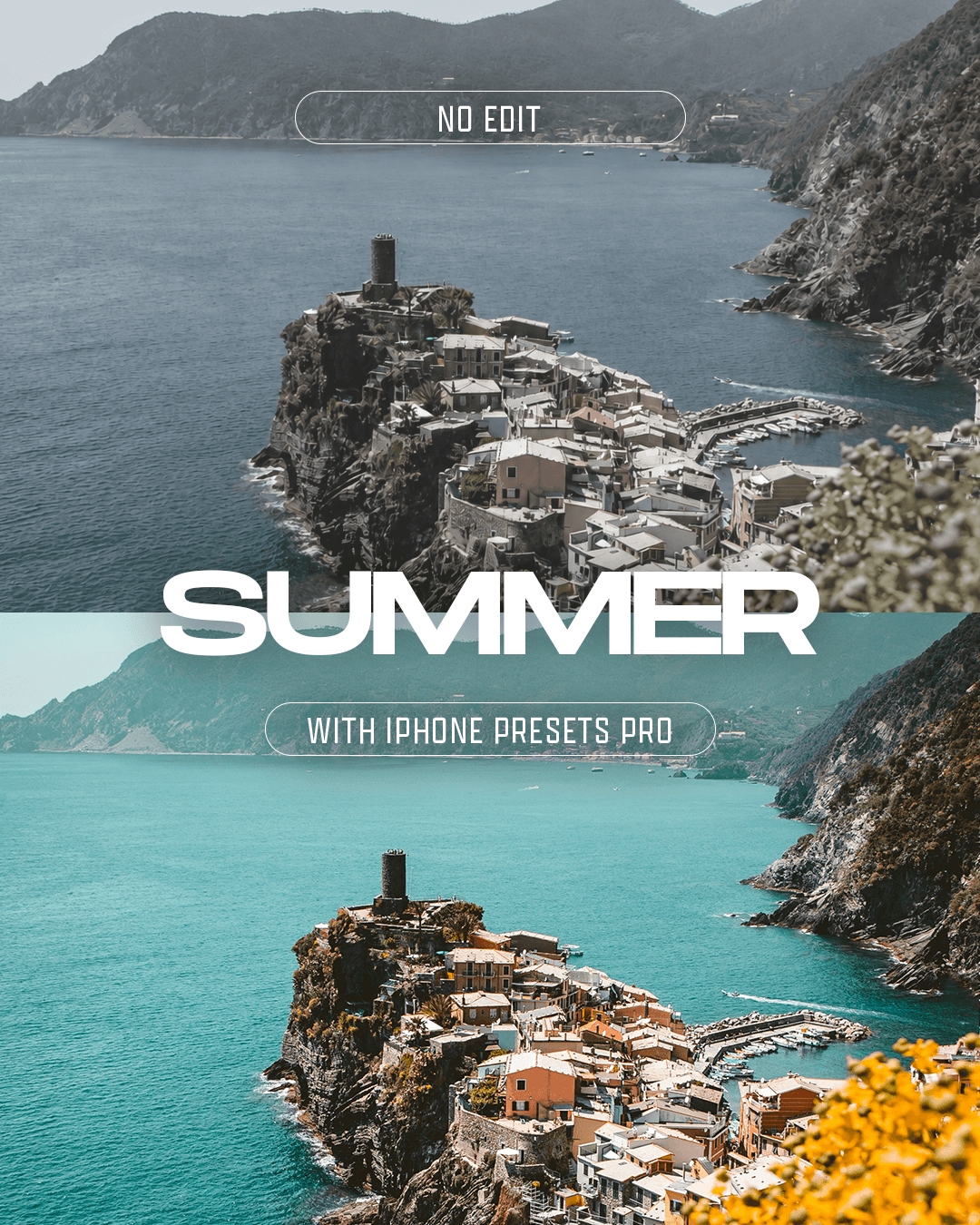
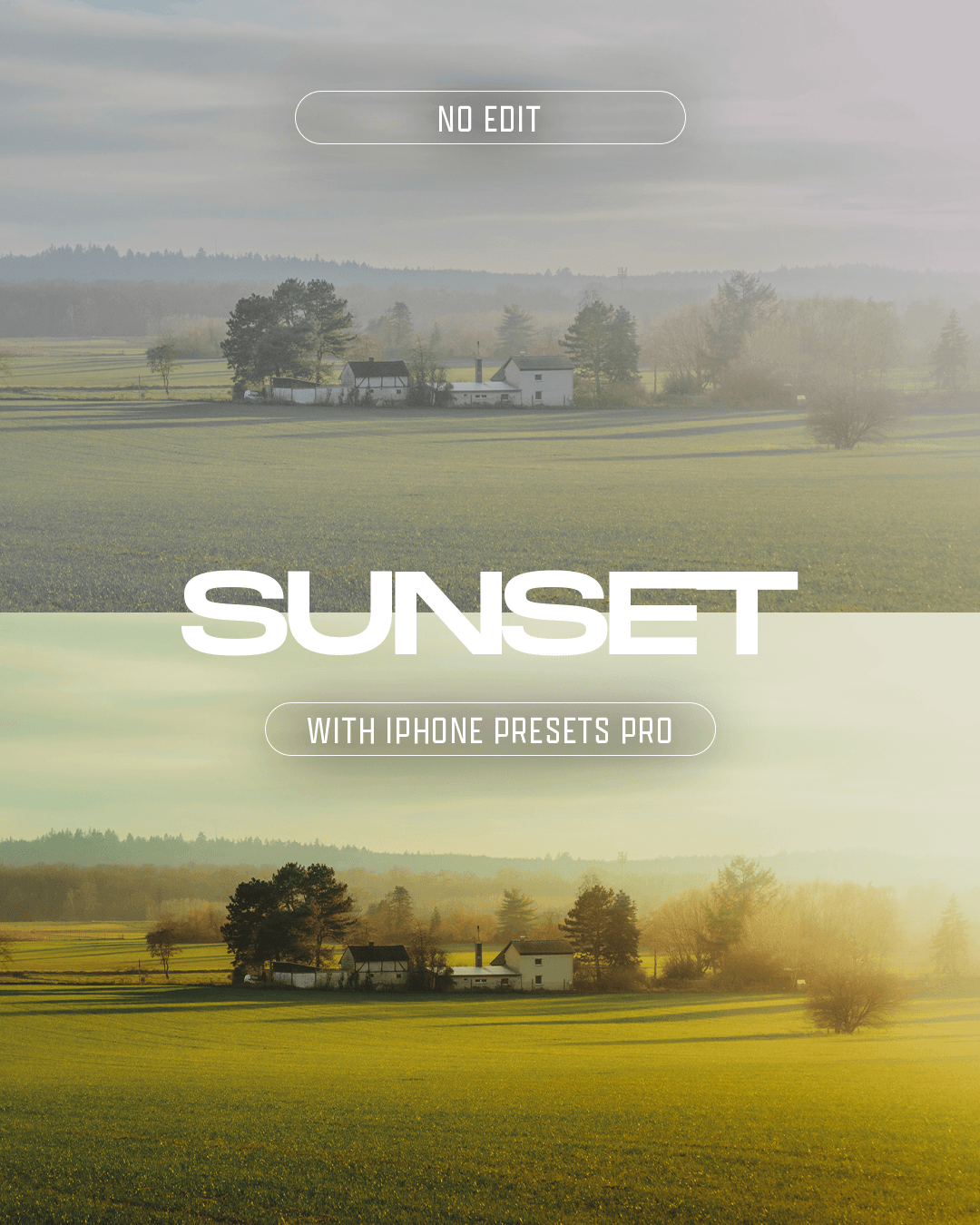
See the results below!

Before

After
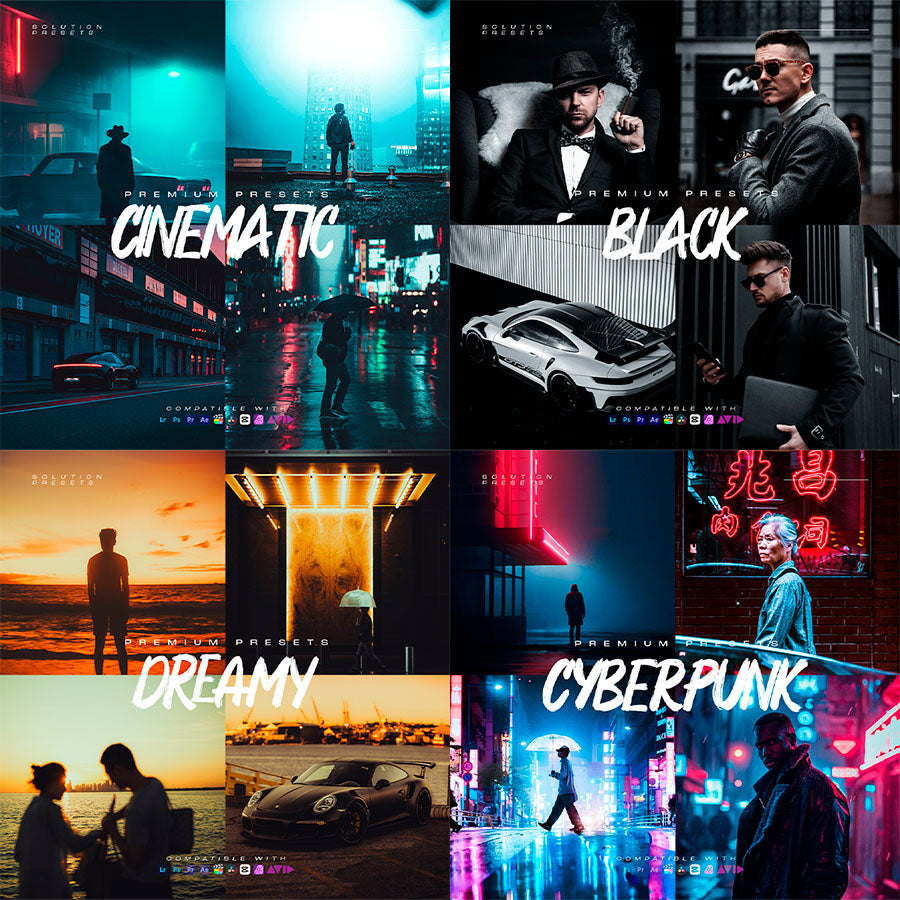
Some presets you will receive...
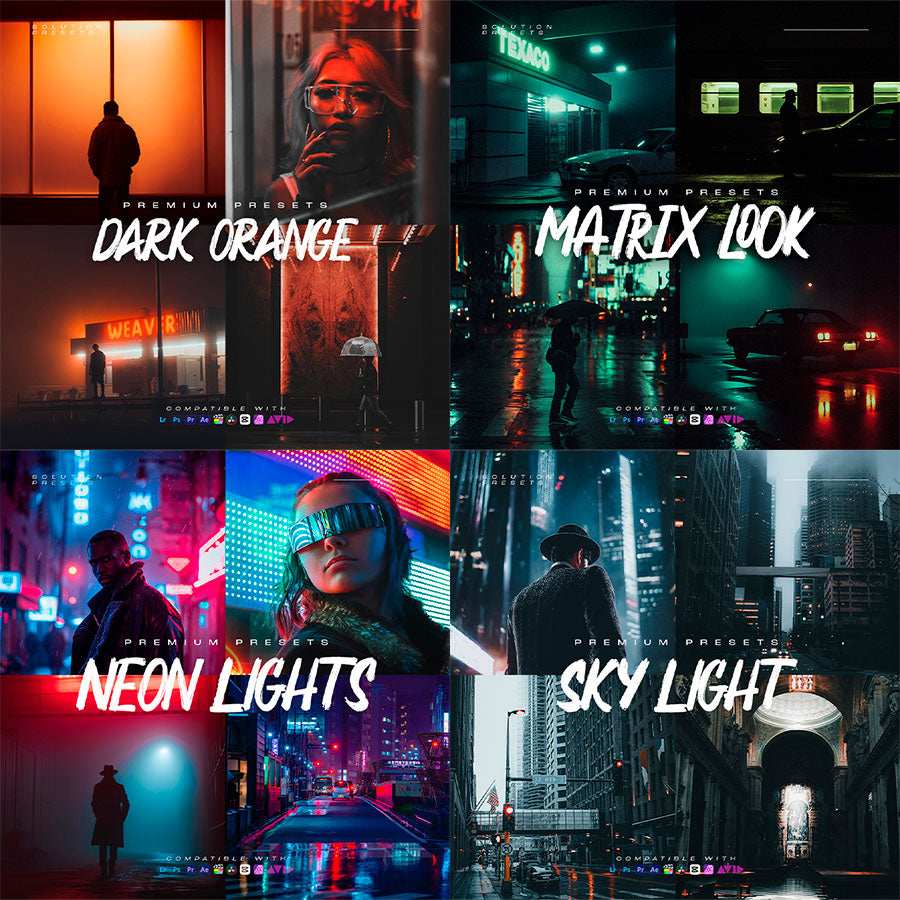
Some presets you will receive...
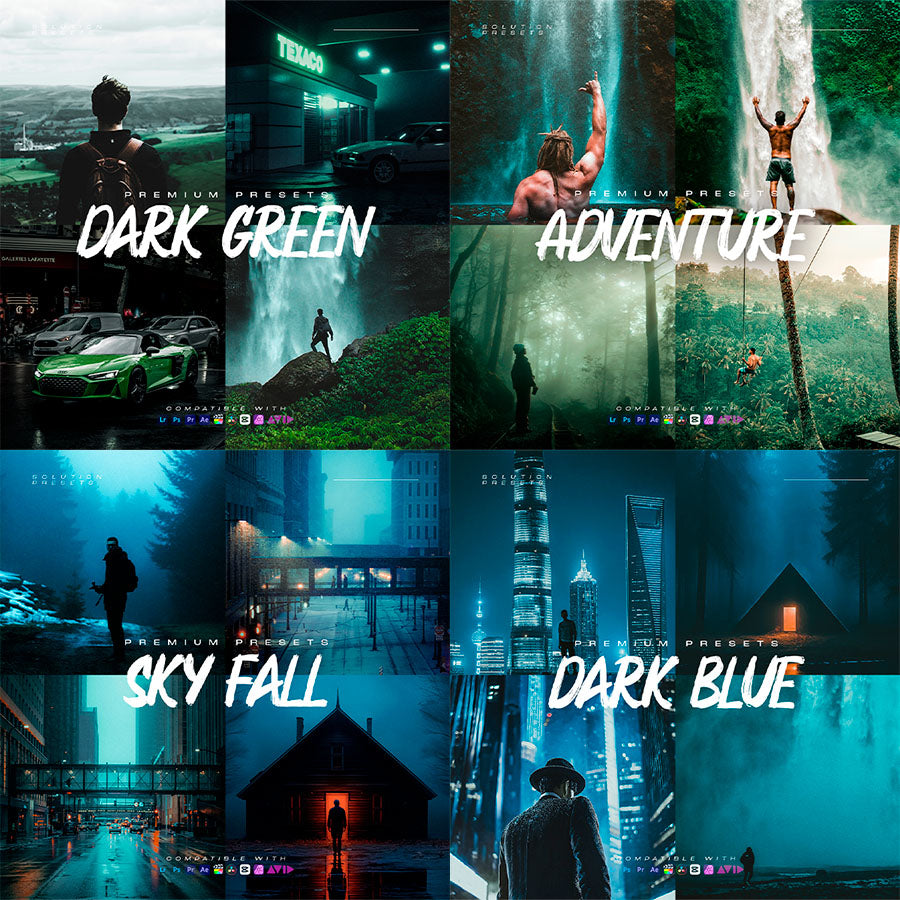
Some presets you will receive...
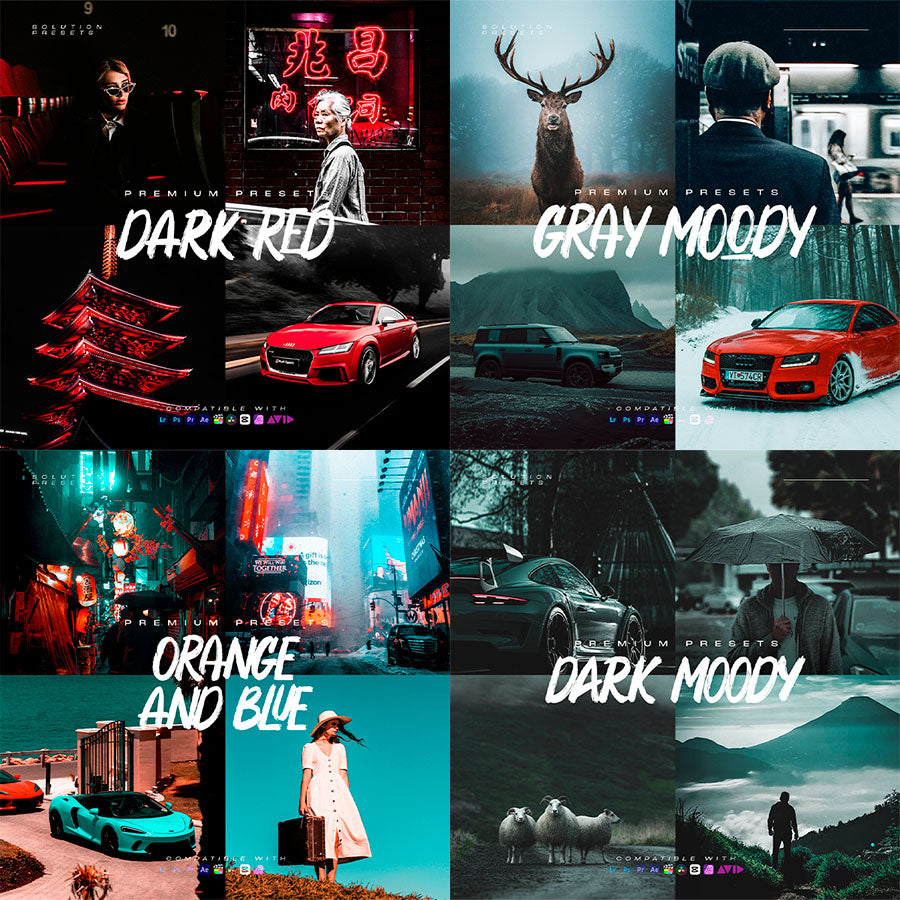
Some presets you will receive...
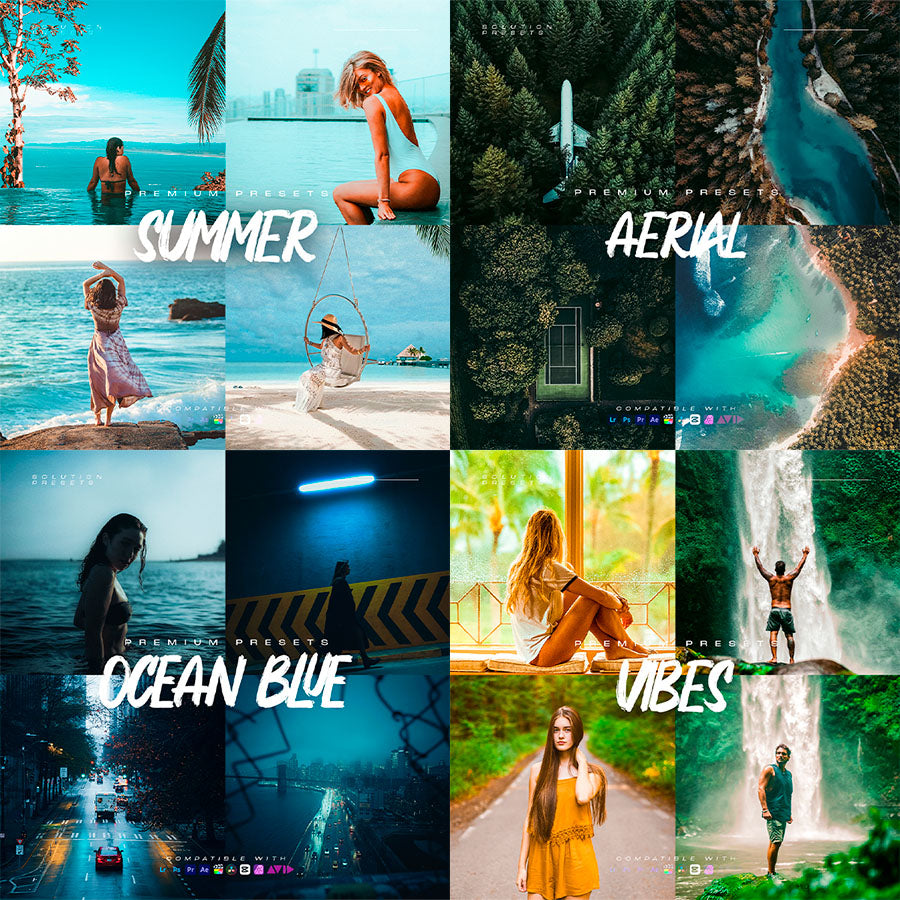
Some presets you will receive...
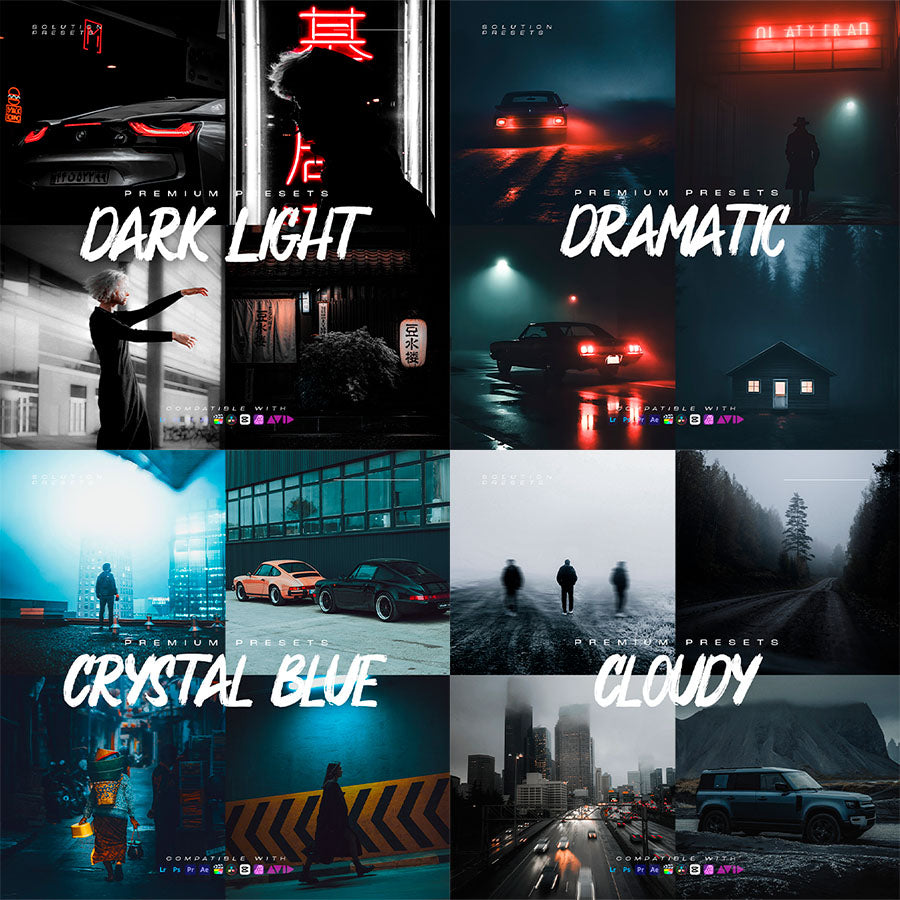
Some presets you will receive...
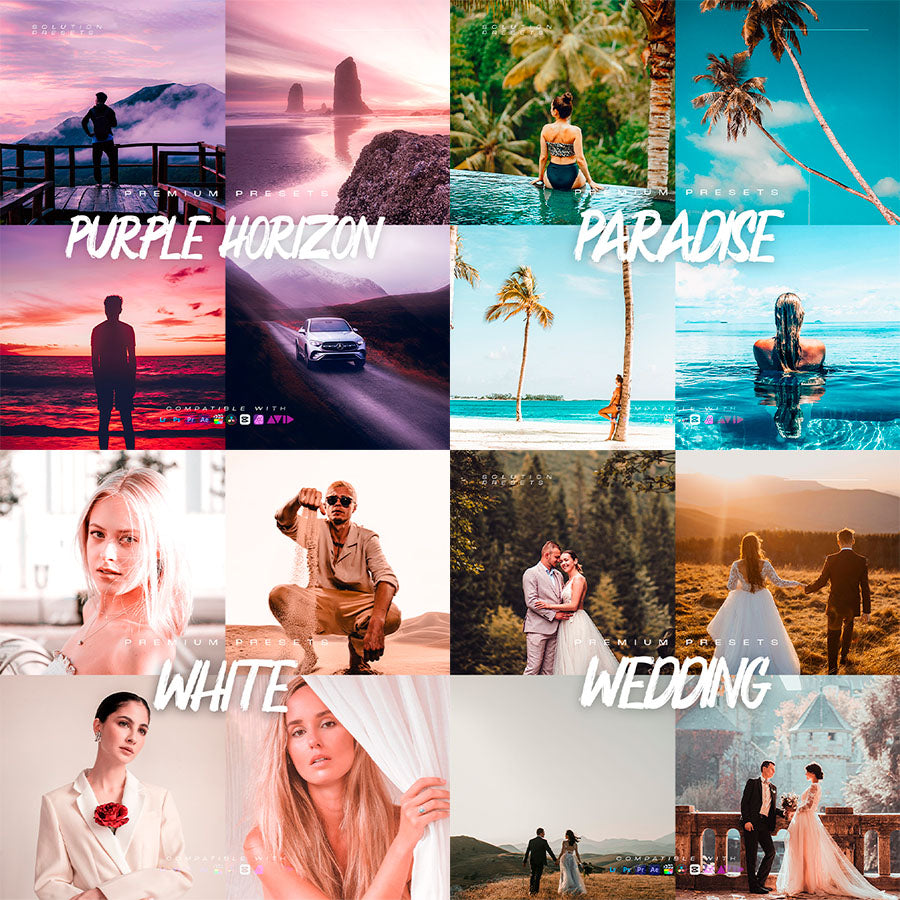
Some presets you will receive...
Some presets you will receive...
Some presets you will receive...
Some presets you will receive...
Some presets you will receive...
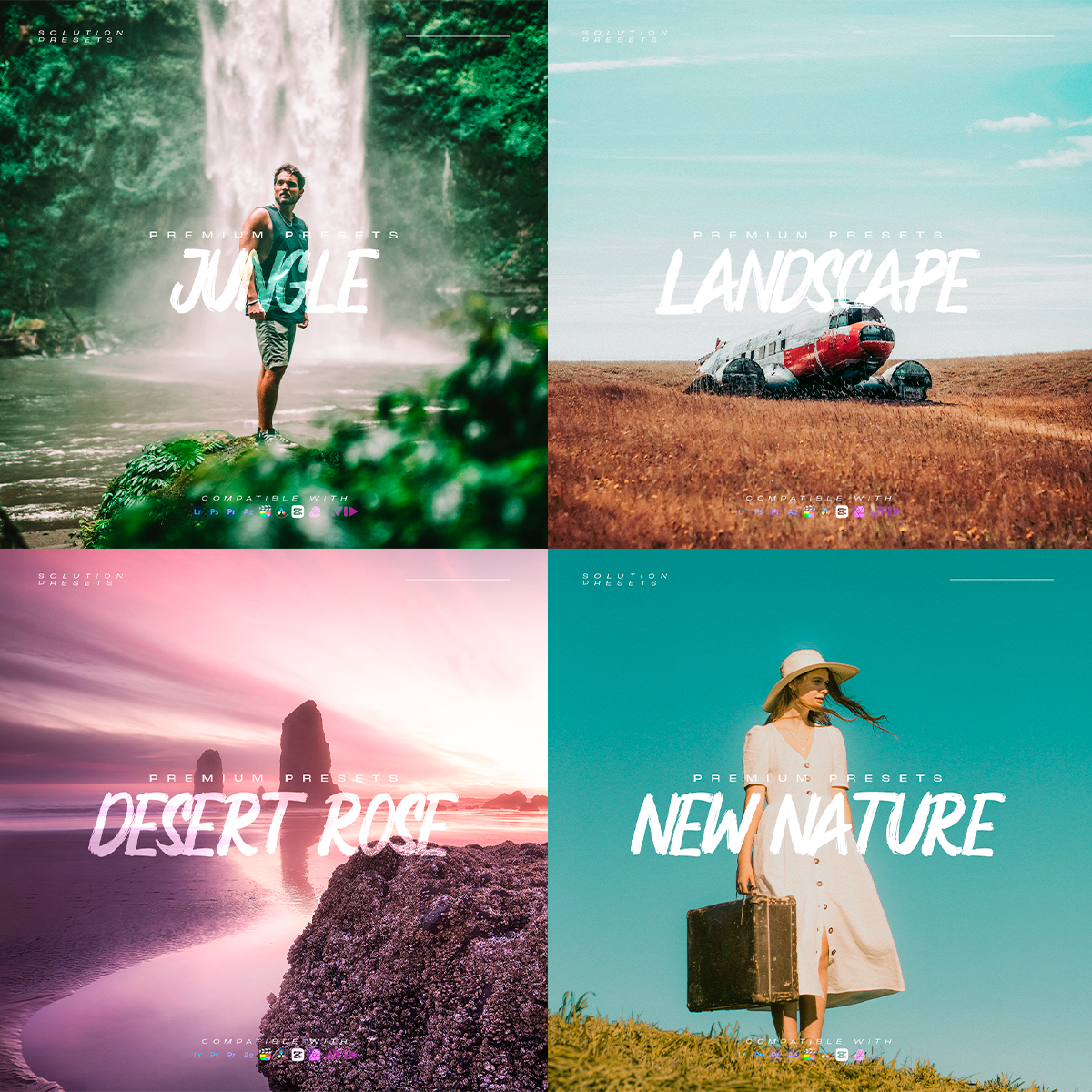
Some presets you will receive...
Some presets you will receive...
Some presets you will receive...
Some presets you will receive...
Some presets you will receive...
Some presets you will receive...
Some presets you will receive...
Some presets you will receive...
Some presets you will receive...
Some presets you will receive...
Some presets you will receive...
Some presets you will receive...
Some presets you will receive...
FAQ
Do these presets work with all iPhone models?
Yes. iPhone Presets PRO works with photos taken on all iPhone models. You don’t need an iPhone Pro or the latest model to use them.
Which app do I need to use the presets?
The presets are designed for Adobe Lightroom and can be used on both Lightroom Mobile and Desktop.
Do I need Lightroom Premium?
No. You can use the presets with the free version of Lightroom Mobile. Lightroom Premium is not required.
Do I need photography or editing experience?
Not at all. The presets are designed to be beginner-friendly. Simply import them, choose your photo and apply your favorite look in one click.
How do I install the presets?
You’ll receive a step-by-step installation guide showing you exactly how to import and use your presets. The process only takes a few minutes.
Do the presets work with regular iPhone photos?
Yes. They’re designed to work beautifully with regular iPhone photos, so you don’t need to shoot RAW or use special camera settings.
Can I use them with RAW and ProRAW photos?
Yes. You can use the presets with regular photos as well as RAW and Apple ProRAW files in Lightroom.
Can I use the presets for professional or commercial work?
Yes. You can use the presets to edit photos for your own content, clients and commercial projects. The preset files themselves cannot be resold, shared or redistributed.
Will I get instant access after purchasing?
Yes. After your purchase, you’ll receive instant digital access to download your presets and installation guides.
Is this a subscription?
No. It’s a one-time purchase. No monthly fees or recurring charges.